

Video Analytics Events
Reference for the video_start, video_progress, and video_complete events the Ours Privacy video player reports, including every property and when each event fires.
The events the video player reports, their properties, and the conditions under which each fires. For reading the report built on them, see Video Analytics.
Event names and property names follow the GA4 video conventions, so they line up with video reporting you may already have elsewhere.
Events
| Event | Fires when |
|---|---|
video_start | Playback begins for the first time in the player's current cycle |
video_progress | Playback crosses 10%, 25%, 50%, or 75% |
video_complete | Playback reaches the end |
Properties
Every video event carries the same property set.
| Property | Type | Description |
|---|---|---|
video_id | string | Identifier of the video in your Ours Privacy account |
video_title | string | The video's title as set in the dashboard |
video_url | string | URL of the video file being played |
video_provider | string | Always oursprivacy |
video_duration | number | Total length in whole seconds |
video_current_time | number | Playback position in whole seconds when the event fired |
video_percent | number | Playback position as a whole-number percentage |
visible | boolean | Whether the page was in the foreground when the event fired. false means the visitor had the tab in the background, which separates real watching from playback nobody was looking at |
video_start
Fires on the first play of a cycle. Pausing and resuming does not fire another one, so starts count views rather than play button presses. A replay of a non-looping video does fire a new video_start.
With autoplay on, the start fires as soon as the browser permits playback, so starts count muted autoplayed impressions alongside deliberate plays. On an autoplaying video, start volume tracks page views more than interest. Judge it by how far viewers get.
video_progress
Fires at 10%, 25%, 50%, and 75%, once each per cycle.
- Skipping ahead skips the milestones in between. Jumping from 5% to 80% does not fill in 10%, 25%, and 50%. Progress reflects positions actually played through, not the furthest point reached. A drop between two milestones can therefore mean viewers skipped forward rather than left.
- Milestones fire on the whole percentage, so a very short video can miss one if playback jumps past it between position updates.
Read together, the milestones give the drop-off shape Video Analytics does not show: the share of starts still watching at 25% against 75% tells you where a video loses people.
video_complete
Fires when playback reaches the end, reporting video_percent as 100.
On a looping video, the player reports one video_complete on the first full pass and then stays silent for every later loop. A looping background video therefore contributes one view and one completion rather than an event every few seconds. Progress milestones also stop after that first pass.
Lead capture and CTA activity
When you configure Video Lead Capture, Video Analytics also records lead capture displays, completed lead captures, CTA displays, and CTA clicks. These private reporting signals are built into the player and do not appear as events for you to add to an Allowed Events list.
After a visitor submits a valid email, the player also sends the standard form_submit event. Allow and map form_submit to send completed video forms to a destination. It includes the video and interaction context, while the visitor's email is handled as visitor data rather than an event property.
Where the events go
The player reports playback to the Ours Privacy Web SDK on the page hosting the embed. From there the events behave like any other event you track:
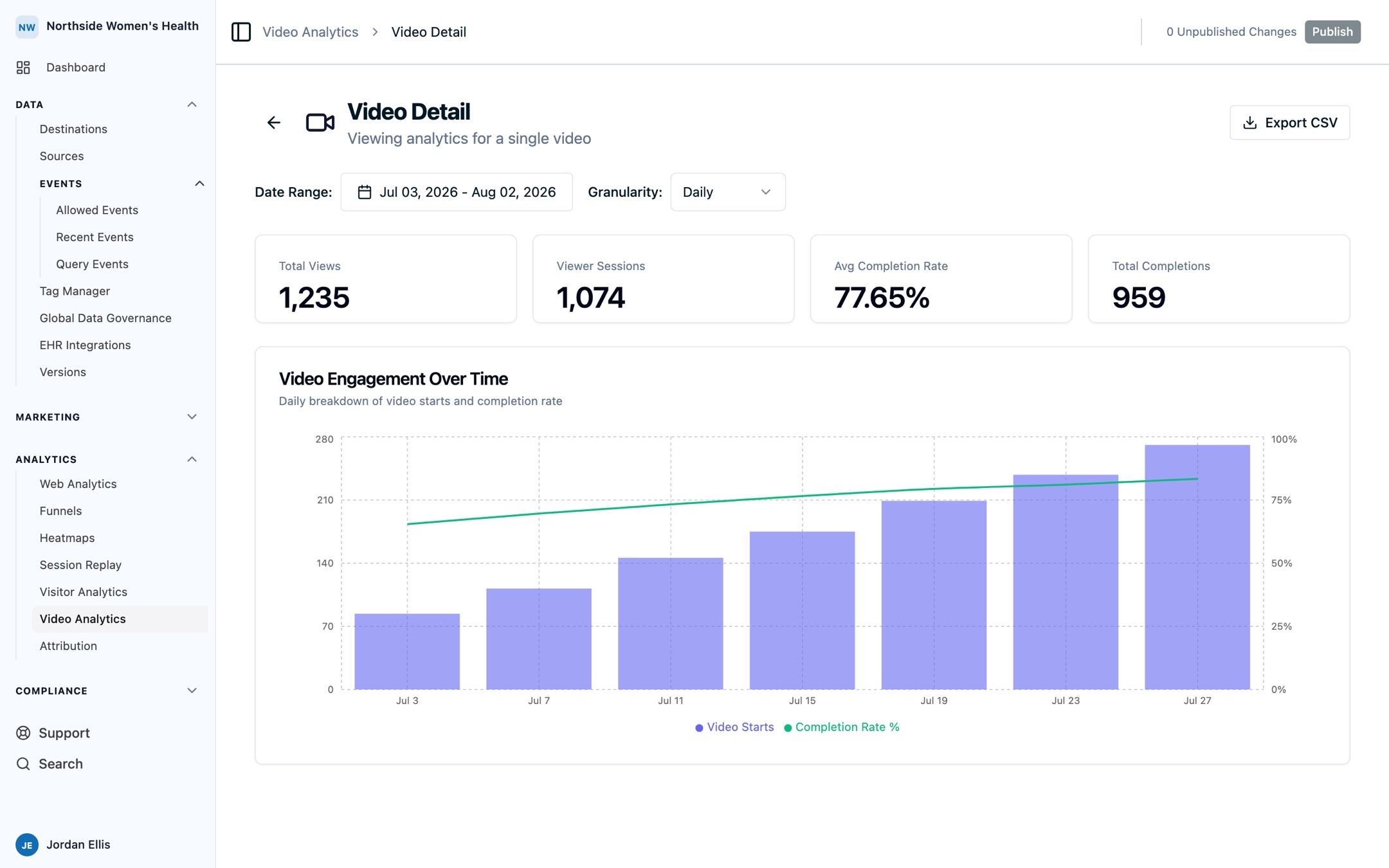
- They appear in Video Analytics and in Recent Events.
- They can be allowed and mapped to destinations, which is how you get video engagement into an ad platform, a warehouse, or your own analytics.
- They pass through the same data governance rules as the rest of your events.
The events arrive only when both of these hold:
- The Web SDK must be installed on the page hosting the embed. Without it there is nothing to receive playback events, and the video still plays normally.
- The embed must be the snippet copied from the dashboard. A player of your own reports nothing; see Building your own player.
Related pages
- Video Analytics: the report built on these events.
- Video Lead Capture: configure an email capture or CTA.
- Embed configuration: options that change what gets reported.
- Web SDK: installing the SDK on the hosting page.
How is this guide?