

Building Your Own Player
Use the MP4, adaptive HLS, caption, and poster URLs from an Ours Privacy video in your own player or video component.
Use this page when the standard embed does not fit and you want to render the video yourself.
The standard embed snippet is the supported path and handles playback, captions, styling, and analytics for you. Reach for raw assets when you need something the player does not offer, such as a design-system video component, a native mobile player, or playback inside an app shell.
Get the asset URLs
- Open the video in the dashboard.
- Open the Embed tab and click Asset URLs.
- Copy the URLs you need: MP4 URL, HLS URL (when adaptive processing is ready), VTT URL (captions), and Poster URL.
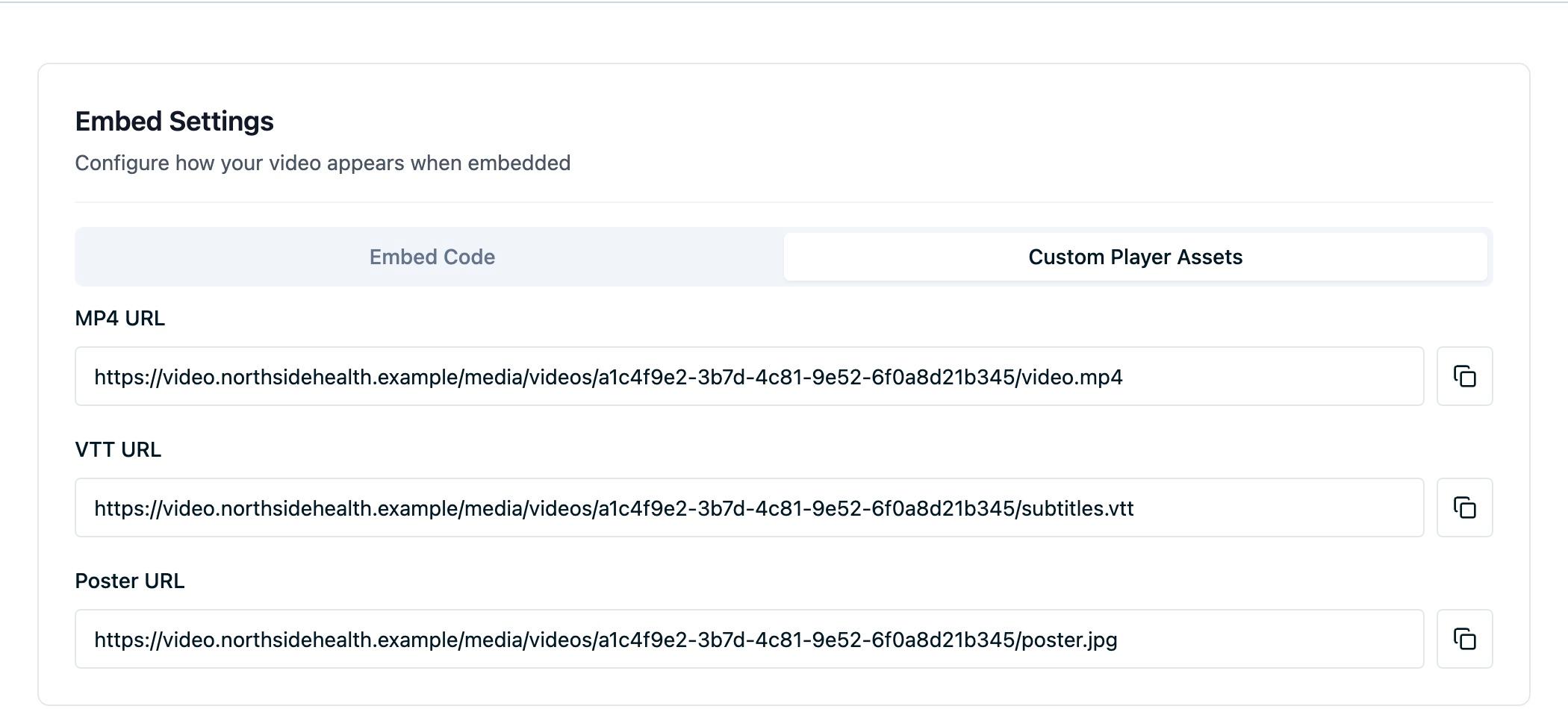
These URLs are stable and cached for fast delivery. They keep working when you replace captions or the poster image, so you do not need to re-copy them after an update; see Updating a video.
Use them in a player
Any player or <video> element that accepts an MP4 source and a VTT caption track works:
<video controls poster="POSTER_URL" width="100%" playsinline>
  <source src="MP4_URL" type="video/mp4" />
  <track kind="subtitles" src="VTT_URL" srclang="en" label="English" default />
</video>
Replace POSTER_URL, MP4_URL, and VTT_URL with the values you copied. A video with no caption file has no VTT URL to include, so leave the <track> line out.
What you take on
Going direct means the platform stops handling several things for you:
- Analytics. Playback events come from the Ours Privacy player. A player of your own reports nothing, so Video Analytics stays empty for that video. Track playback yourself with the Web SDK if you need the data.
- Structured data. The
VideoObjectmarkup is generated as part of the embed snippet. Emit your own if you want the video eligible for video results in search. - Player behavior. Autoplay-plus-mute pairing, aspect-ratio handling, contrast-checked colors, and caption wiring are all yours to implement.
- Adaptive playback. Use the HLS URL as the source in an HLS-capable player. It points to the master playlist, which lists the available renditions and their segments. Your player handles quality selection; the supported Adaptive player embed handles this for you. Older videos need to be uploaded or replaced before an HLS URL becomes available.
Terms of use
Asset URLs are public. Treat them like any other publicly reachable file on your site: fine for marketing and educational video, not a substitute for access control. Do not put video behind them that should only be seen by specific people, and do not upload PHI. See Video FAQs.
Next steps
- Embedding videos: generate the standard embed snippet instead.
- Video analytics events: the event shape to match if you instrument your own player.
- Embed configuration: what the standard player does and does not offer.
How is this guide?