

Video Lead Capture
Configure one email capture or CTA interaction in a standalone Ours Privacy video embed, control when it appears, and measure leads and CTA engagement.
Use this page to add one email capture or CTA to a standalone video embed. The interaction is carried in the copied embed code, so it applies only after you replace the snippet on your page.
Open Videos in appConfigure the interaction
- Open a video, then select Embed.
- Under Engagement, turn on Enable engagement.
- Choose when to show it: Before playback, at the fixed Midpoint, or On completion.
- Choose Email capture or CTA, then enter the text for that interaction.
- Turn on Lock interaction when visitors must complete the email capture or select the CTA before they can continue or replay.
- Copy the embed code and replace the current snippet on your page.
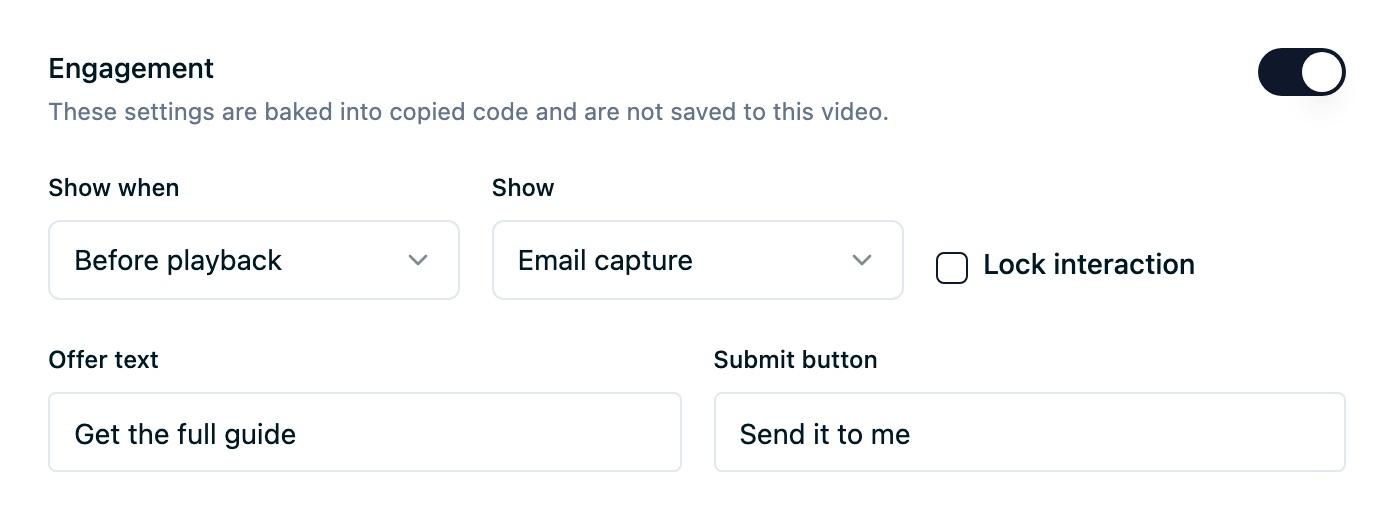
An embed carries one interaction.
The dashboard keeps these settings only while the video detail page is open. They are not saved to the video. To change the interaction on a live page, update the settings, copy the code again, and replace the existing snippet.
Choose the visitor experience
An Email capture interaction displays your offer text, an email field, and a submit button. A valid submission lets the visitor continue or, after a completed video, replay it.
A CTA interaction displays a headline and a button that opens the configured page in the hosting page. Use it when the next step is a consultation, download, appointment, or another page on your site.
With Lock interaction off, visitors can continue watching without sharing an email, or replay after a completion interaction. With it on, the player has no in-player continue or replay control. Popup lightboxes still keep their existing close controls on the hosting page.
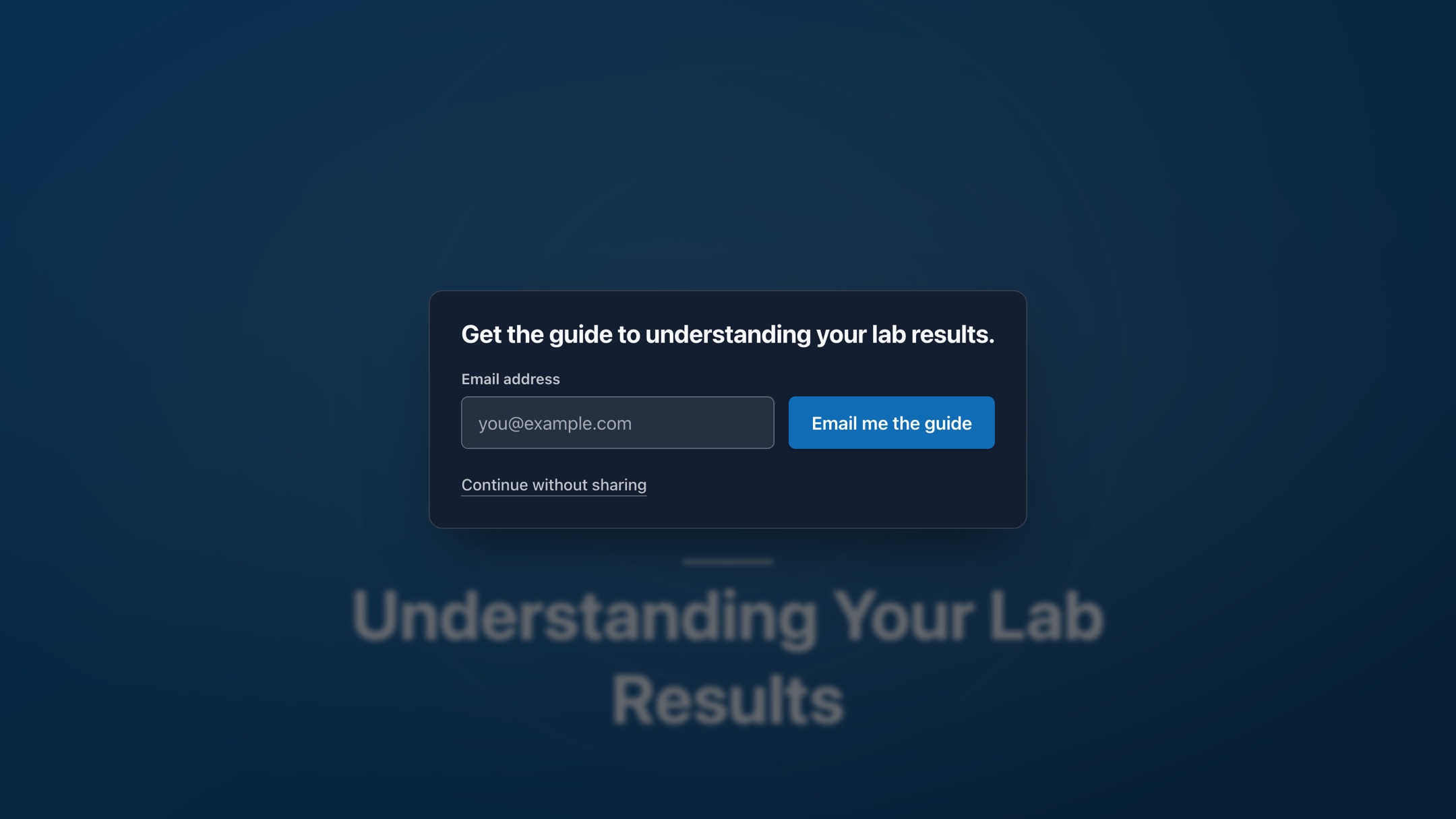
Email before playback. An unlocked email capture appears before playback. Visitors can share an email to receive the offer or continue watching without sharing.
Track leads and CTA activity
Install the Ours Privacy Web SDK on the page hosting the embed. Without it, the video and interaction still work, but no lead or CTA activity reaches Video Analytics.
Video Analytics reports lead capture displays, completed lead captures, CTA displays, and CTA clicks alongside video starts and completions. These are private reporting metrics, not events to add to your destination event list.
A successful email capture also sends the standard form_submit event. Allow and map form_submit in a destination when you want completed video forms routed there. The visitor's email is handled as visitor data, not as an event property.
Where interactions run
Add lead capture or a CTA to any standalone Inline or Popup embed copied from the dashboard. Each embed carries one interaction, shown before playback, at the midpoint, or on completion. Video Channels and players you build yourself play without interactions.
Next steps
- Embedding videos: copy and place an Inline or Popup snippet.
- Embed configuration: reference for the other player settings.
- Video Analytics: read lead and CTA activity in the report.
- Player accessibility: review focus behavior and accessible playback choices.
How is this guide?