

Performance and Security
Comprehensive guide to performance optimization and security features in the Ours Privacy Tag Manager, including platform features, versioning, permissions, and custom domains.
The Ours Privacy Tag Manager is built for speed and security. This guide covers Tag Manager-specific performance optimizations and security features that keep your tracking fast, safe, and compliant.
Performance
CDN Delivery
The Tag Manager serves all scripts from a global content delivery network (CDN), ensuring fast loading times worldwide regardless of where your visitors are located.
When a visitor loads your website, the Tag Manager script loads from the nearest CDN edge location, minimizing latency and reducing the performance impact on your site. This global infrastructure means your tracking loads quickly whether visitors are in New York, London, or Tokyo.
The result is minimal performance overhead. Your tracking loads in milliseconds without slowing down your website.
Custom Domain Benefits
Using a custom domain for the Tag Manager provides both performance and reliability advantages.
When you configure a custom domain (like tracking.yoursite.com), the Tag Manager scripts load from your own domain instead of the default CDN. This has several benefits:
- Bypass Ad Blockers: Ad blockers often target common tracking domains, but your custom domain avoids these filters
- First-Party Cookies: Cookies set from your custom domain are first-party cookies, which persist longer and aren't blocked by browser privacy features
- Better Tracking Persistence: First-party cookies improve tracking accuracy and attribution over time
See the custom domains documentation for setup instructions.
Security
Built-in HIPAA Compliance
The Tag Manager inherits the platform's HIPAA compliance features automatically. No additional configuration is required.
All events tracked through the Tag Manager flow through Ours Privacy infrastructure first, where they're logged, filtered, and processed according to your compliance requirements. This means even events sent to third-party destinations are logged and auditable for HIPAA compliance.
For more details on the platform's security features, see the security controls documentation.
Version Control and Rollback
The Tag Manager's publishing and version system provides safe deployment with rollback capabilities.
Changes to tags, triggers, and variables exist as unpublished drafts until you're ready to deploy them. This staging system ensures you never accidentally push broken tracking to production.
If a published version causes issues, you can rollback to a previous version immediately. This quick recovery capability minimizes downtime and risk when deploying tracking changes.
Every version includes a complete changelog showing exactly what changed, providing an audit trail for compliance and debugging.
Access Control
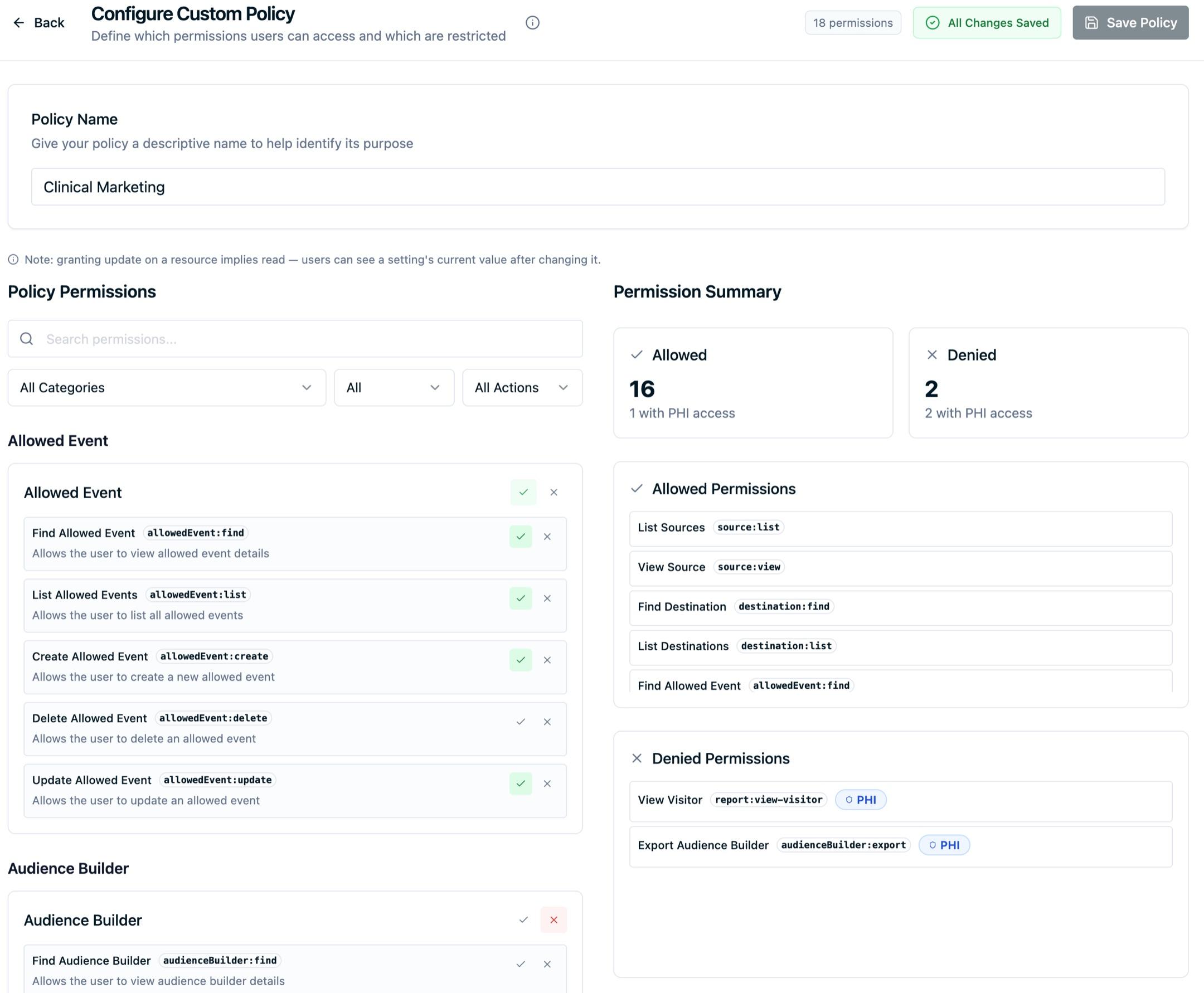
The Tag Manager integrates with the platform's role-based access control system to ensure only authorized users can create and publish tags.
Permissions control who can:
- View tag configurations
- Create or edit tags, triggers, and variables
- Publish changes to production
- Rollback to previous versions
This granular permission system, detailed in the policies and permissions documentation, ensures tracking changes go through proper approval workflows.
All tag changes are logged with user information, creating an audit trail for compliance requirements.
Next Steps
Now that you understand Tag Manager performance and security:
- Install the Tag Manager: Get started with the async install tag
- Configure Custom Domains: Set up first-party tracking
- Review Publishing & Versions: Understand safe deployment workflows
- Understand Security Controls: Learn about platform-wide security features
- Configure Permissions: Set up access control for your team
Need Help?
If you have questions about Tag Manager performance or security, reach out to support@oursprivacy.com.
How is this guide?