

Tag Manager Overview
The Ours Privacy Tag Manager lets you track events on your website with tags, triggers, and variables, no code required, on a platform built for HIPAA-regulated workflows.
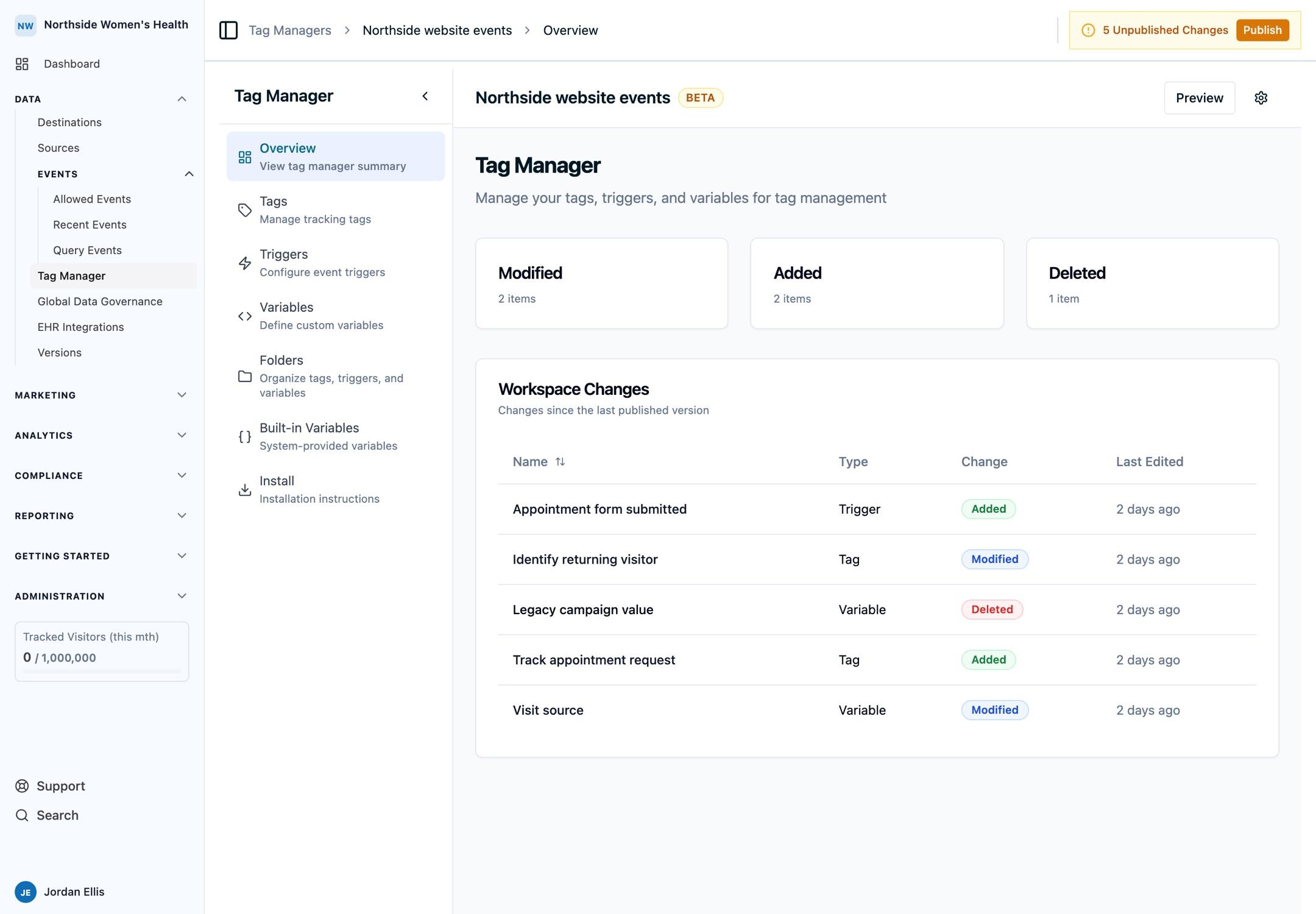
The Ours Privacy Tag Manager lets you track events on your website without shipping code. Build tags, triggers, and variables in a visual editor, preview them in your browser, and publish when ready. It loads the Ours Privacy Web SDK for you, so one install covers page views, identity, and every event you add later.
If you know Google Tag Manager, you already know this product. The concepts, the dataLayer format, and the trigger types are the same.
Why use it
- No code required: marketers add and change tracking without an engineering ticket.
- Built for HIPAA-regulated sites: events route through Ours Privacy first, so you control what reaches third parties.
- Familiar model: tags, triggers, variables, and a standard
dataLayer. - Safe to change: drafts, preview mode, versions, and rollback.
- One install: the Web SDK, consent state, UTM and click ID capture come with it.
Key features
- Installation: add the install tag and confirm page views are flowing.
- Tags: send events, identify visitors, or run custom HTML.
- Triggers: fire tags on page views, clicks, form submits, scroll depth, timers, and custom events.
- Variables: pull values from the page, the click, cookies, or the data layer.
- Data layer: push events from your own code.
- Publishing and versions: publish selected changes, review history, roll back.
- Preview mode: load your draft container on your live site before publishing.
- Chrome extension: see what each tag did, the events the Web SDK sent, and build an experiment from the page.
- Platform API: manage containers, tags, triggers, and variables as code.
Example use cases
- Recipes: copyable setups for CTA clicks, form submissions, purchases, consent-gated tags, and path grouping.
Need help?
Email support@oursprivacy.com.
How is this guide?