

FAQs
Frequently asked questions about the Ours Privacy Cookie Consent Management Platform, including installation, customization, and compliance questions.
Do I need to use the window.ours_consent methods?
For most users, you do not need to use these methods directly. The consent UI and banner handle all standard consent flows for you. These APIs are intended for advanced or custom integration scenarios only.
How do I add a link to the Consent Preferences Center from my privacy policy or footer?
You can use the JavaScript SDK to open the preferences modal when a user clicks a link. Add an anchor tag with an onclick handler:
<a href="#" onclick="window.ours_consent.showPreferences(); return false;">
  Manage Cookie Preferences
</a>
This is commonly used in privacy policies, footers, or anywhere you want to give users quick access to update their consent choices.
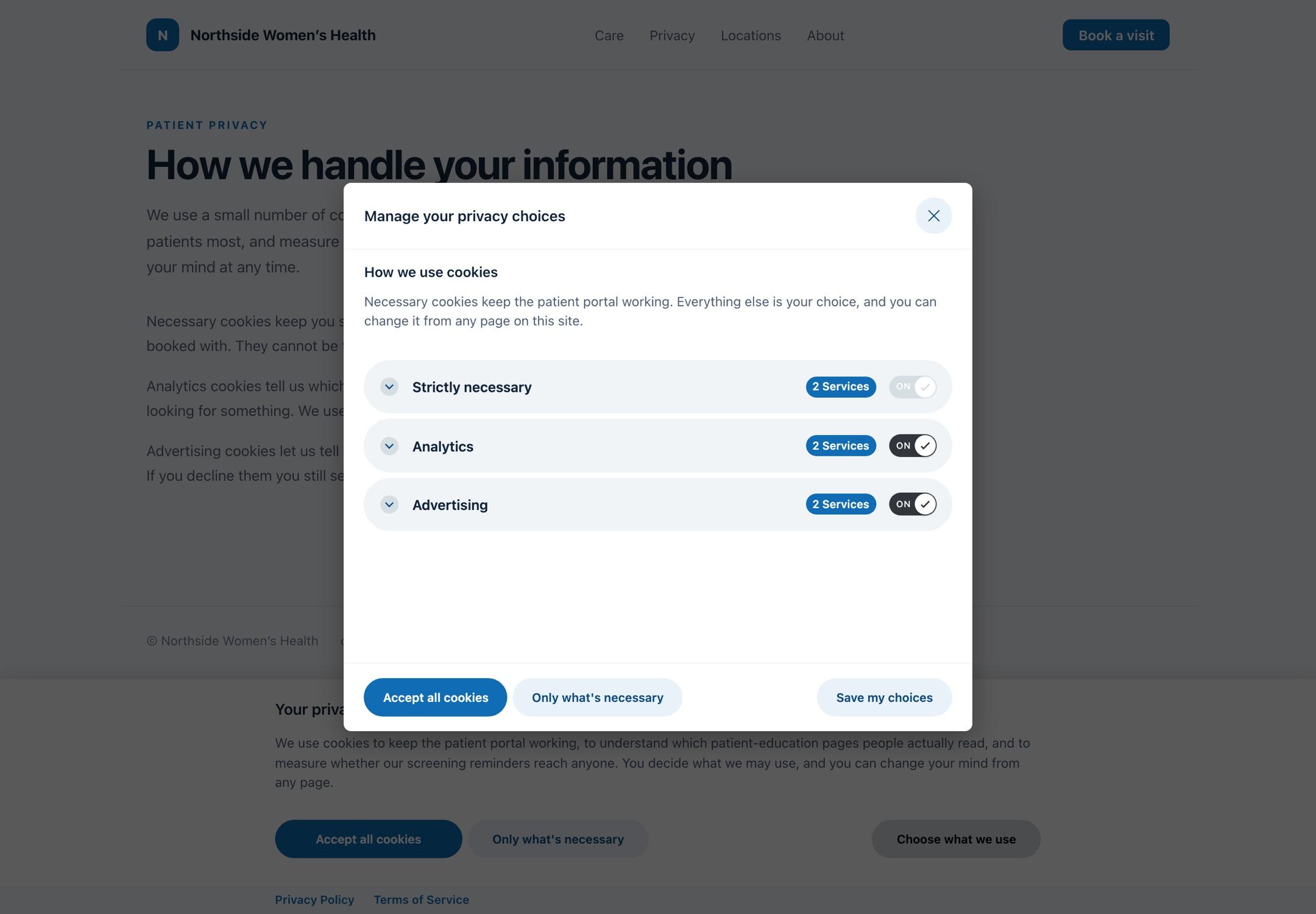
Is the CMP compliant with GDPR, CCPA, and HIPAA?
Yes, Ours Privacy CMP is designed to help you comply with GDPR, CCPA, HIPAA, and other major privacy regulations. You can configure region-specific rules and consent modes to meet legal requirements.
Can I customize the look and feel of the consent banner?
Absolutely! You can fully customize the text, button labels, and even translations for different regions to match your brand and compliance needs.
How does script blocking work?
The CMP automatically blocks scripts and network requests for services that require consent. You can also manually tag scripts for advanced blocking control. Scripts are only enabled after the user grants consent for the relevant category.
What is Enforce mode?
Enforce mode blocks all resources from domains not listed in your configured Services, in addition to standard category-based blocking. It's a per-rule setting, so you can enable it for specific regions (e.g., EU visitors) while keeping Monitor mode for others. See the Script Blocking guide for details.
Will Enforce mode break my site?
Enforce mode blocks any third-party resource you haven't categorized in your Services list. If your service list is incomplete, legitimate integrations may be blocked. We recommend validating your configuration in Monitor mode first and using the Web Scanner to discover uncategorized resources before enabling Enforce mode.
Can I use my own domain for the CMP script?
Yes, you can configure a custom domain to serve the CMP script, ensuring first-party trust and compliance.
How do I test if my implementation is working?
After installing the CMP, load your site and verify the banner appears. Test accepting, rejecting, and managing preferences. You can also use browser developer tools to check that scripts are blocked or enabled based on consent.
Does the CMP support IAB TCF (Transparency and Consent Framework) or GPP (Global Privacy Platform)?
No, Ours Privacy CMP does not currently support IAB TCF v2.2 or the IAB Global Privacy Platform (GPP) standard. If your implementation requires IAB TCF or GPP compliance, this CMP may not meet those needs.
Does the CMP support Global Privacy Control (GPC)?
Yes, Ours Privacy CMP automatically detects and honors the GPC signal sent by browsers. If a user has GPC enabled, the CMP allows you to configure how each individual category you have behaves. This helps you comply with CCPA, CPRA, and similar privacy laws.
When does the CMP renew or reset cookie consent?
Changing consent settings alone does not renew or reset consent. The CMP will only reset a visitor's stored consent when either:
- The consent cookie name is changed (e.g.,
op_consentis changed toop_consent2) - The consent revision number is bumped: The revision number is a field in your Default Consent Settings that you control. You can change it at any time, and doing so will invalidate all previously stored consent, prompting every visitor to consent again on their next visit. This is typically used when your legal or compliance team requires fresh consent, for example, after adding new cookie categories, onboarding a new advertising vendor, or making significant changes to your privacy policy. Bump the revision number whenever the scope of what visitors are consenting to has materially changed.
- The visitor clears their browser cookies: When a visitor clears their cookies, the stored consent cookie is removed and they will be prompted to consent again on their next visit. This is standard browser behavior, not something you control.
If none of the above occur, consent remains unchanged for 12 months (unless the cookie expires). Updating other consent settings, such as category names, banner text, or regional policies, will not trigger a re-prompt on its own.
Removing cookies on consent withdrawal
When users withdraw consent, you may want to remove cookies that were set based on their previous consent choices. Modern browsers have security restrictions that limit cookie deletion capabilities, especially for third-party cookies and HttpOnly cookies. You can only delete cookies set by your domain due to Same-Origin Policy restrictions.
For an example implementation showing how to delete cookies if you need to implement something like this, see this GitHub Gist Guide.
Is the CMP making third-party network requests?
To block or allow cookies based on consent, the CMP has to watch every other script on your page. Because it's watching everything, browser developer tools will sometimes list the CMP as part of the chain when a third-party script makes a network request. This does not mean the CMP is calling that domain; it means the CMP was monitoring the call when it happened. The actual request is coming from whatever third-party tool (analytics, ads, etc.) is installed on your site.
If you are tightening your Content Security Policy (CSP) and see unfamiliar domains appearing to originate from the CMP, allow those domains based on the actual third-party services your site uses, not because the CMP is calling them.
Does the CMP affect search engine crawling and SEO?
The CMP detects search engine crawlers (bots) and fully removes itself from the page for those visitors. When a crawler is detected:
- The consent banner is not rendered
- No scripts are blocked or modified
- The page content is delivered to the crawler in full, without consent-based restrictions
This means search engines can crawl and index your full site content unimpeded. The "hide from bots" setting (enabled by default) only suppresses the visual banner for crawlers, and does not restrict what content they can access. This is intentional SEO-friendly behavior.
Next Steps
- Installation: Get started with the CMP
- General Settings: Configure your CMP settings
How is this guide?