

Consent Event Tracking
Learn how Ours Privacy CMP tracks consent activity and supports analytics, compliance, and audit workflows.
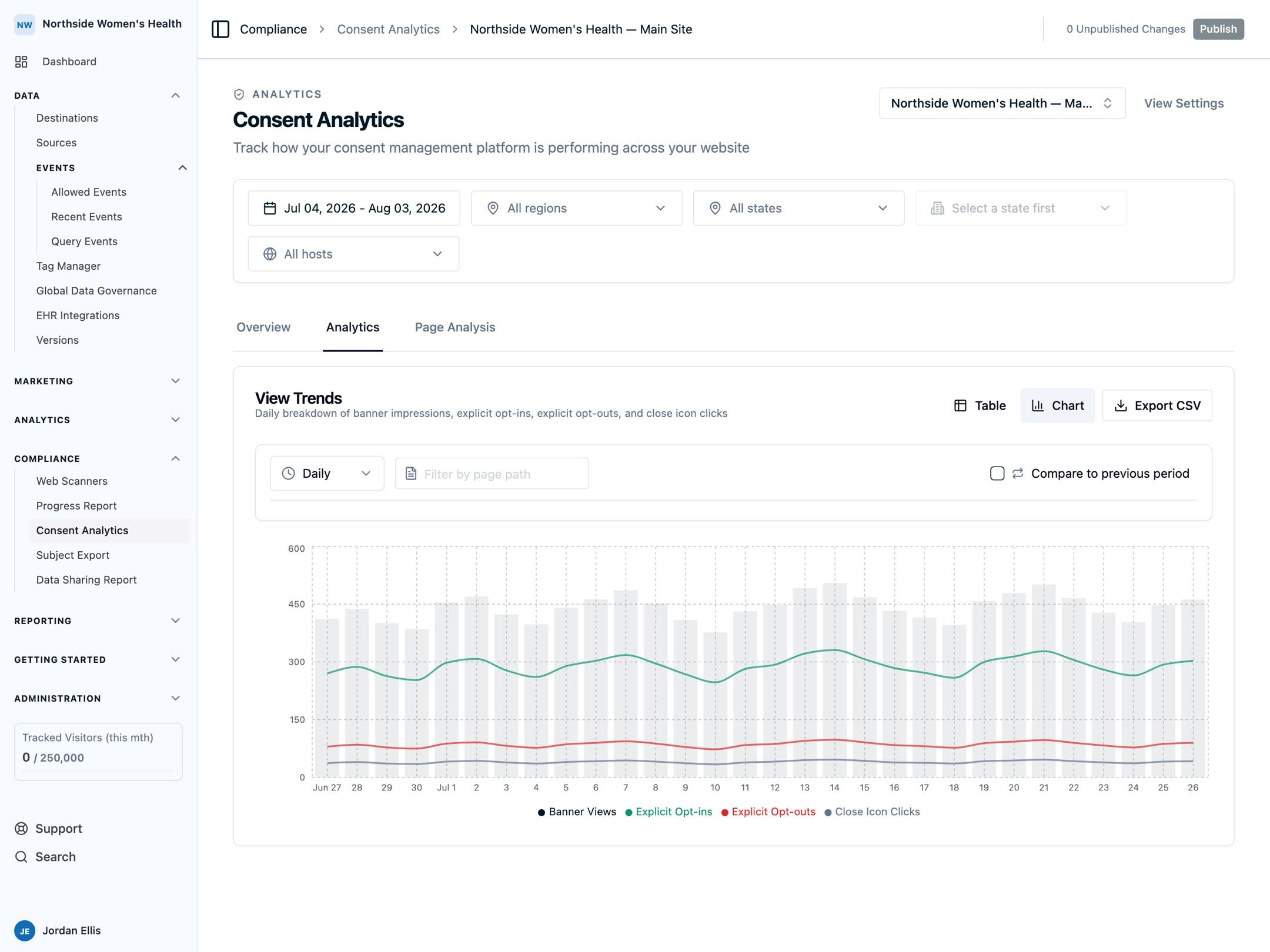
Ours Privacy CMP automatically tracks consent activity in your Ours Privacy account.
This gives your team an aggregate view of consent behavior over time and supports compliance workflows with evidence you can export.
For the definitions of banner views, opt-ins, opt-outs, dismissals, and no action in the dashboard, see Consent Analytics.
What Tracking Supports
Consent tracking helps you:
- monitor consent trends over time
- understand how visitors interact with your consent experience
- investigate specific consent decisions when needed
- generate auditor-grade receipts for compliance reviews
What Is Included
Consent tracking captures the context needed for reporting and audits, including:
- consent decisions and updates
- timing of user actions
- visitor-level linkage for investigation
- location and policy context for compliance review
Common fields include:
consent_id: stable consent identifier used for audit linkageconsent_setting_id: CMP consent setting (widget/config) idpublished_version_idandpublished_version_number: published configuration version at event timeselected_rule_kindandselected_rule_label: regional/policy rule selected at event time- region and country context
Configuration Requirements
To enable consent tracking:
- Set a valid Web SDK Token in CMP settings.
- Publish your CMP configuration.
- Ensure the CMP script loads before non-essential trackers.
Next Steps
- Auditing and Reporting: Generate compliance-ready exports
- General Settings: Configure consent and policy behavior
How is this guide?