Accessing Consent in JavaScript (SDK)
Complete reference for the Ours Privacy CMP JavaScript SDK, including methods to read consent state, update consent, and control banner visibility.
Accessing Consent in JavaScript (SDK)
You can interact with the CMP on your site using the global window.ours_consent object. This object provides a limited set of methods to read and update user consent, as well as control the visibility of the consent banner or modal.
Note: For most users, you do not need to use these methods directly. The consent UI and banner handle all standard consent flows for you. These APIs are intended for advanced or custom integration scenarios only.
SDK Methods
The following methods are available on window.ours_consent:
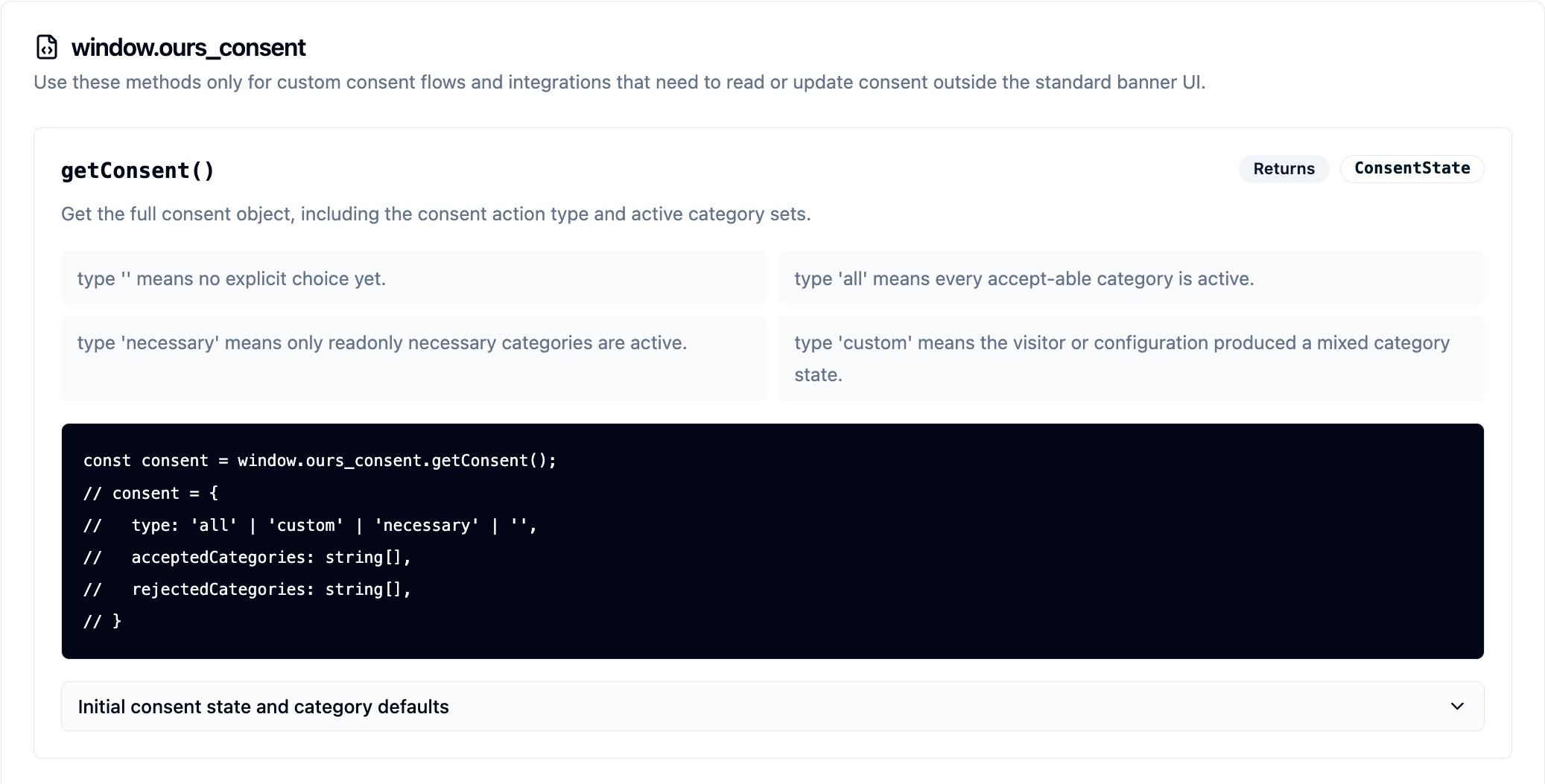
1. getConsent()
Get the full consent object.
const consent = window.ours_consent.getConsent();
// consent = {
// type: 'all' | 'custom' | 'necessary',
// acceptedCategories: string[],
// rejectedCategories: string[],
// }2. acceptCategory(category)
Programmatically accept a specific category.
window.ours_consent.acceptCategory("analytics");3. getAcceptedCategories()
Get a list of all accepted categories.
const accepted = window.ours_consent.getAcceptedCategories();
// accepted = ['necessary', 'analytics']4. show()
Show the consent banner or modal programmatically.
window.ours_consent.show();5. showPreferences()
Show the preferences modal programmatically. Similar to show(), but opens the preferences interface instead of the main consent banner or modal.
window.ours_consent.showPreferences();6. hide()
Hide the consent banner or modal programmatically.
window.ours_consent.hide();7. on(event, callback)
Subscribe to consent-related events. This allows you to run custom code when consent changes or is first set.
- Supported events:
change: Fired when the user modifies their preferences and only if consent has already been provided.firstConsent: Fired only the very first time that the user expresses their choice of consent (accept/reject).consent: Fired the very first time the user expresses their choice of consent — just likefirstConsent— but also on every subsequent page load.
Example:
window.ours_consent.on("change", (consent) => {
console.log("Consent changed:", consent);
});
window.ours_consent.on("firstConsent", (consent) => {
console.log("First consent set:", consent);
});Tip: Always check that
window.ours_consentis loaded before calling these methods. These APIs are intended for advanced integrations and most users will not need to use them directly.
Next Steps
- Consent Tracking: Learn about automatic consent event tracking
- Installation: Ensure the CMP script is properly installed
How is this guide?