

Audiences
Build audiences from visitor properties and on-site behavior, preview who matches, then download a CSV or sync membership to an advertising platform daily without disclosing what the audience is about.
Audiences let you describe a group of people with the data you already collect, see who matches, and act on it: download a CSV or have Ours Privacy send the membership to an advertising platform every day. Conditions can cover who someone is (consent, attribution, location, your own properties) and what they did on your site.
Every audience has two names. The one you write for your team stays private. The platform only ever sees a separate Export Name, so the label never says what the list is about.
Open Audiences in app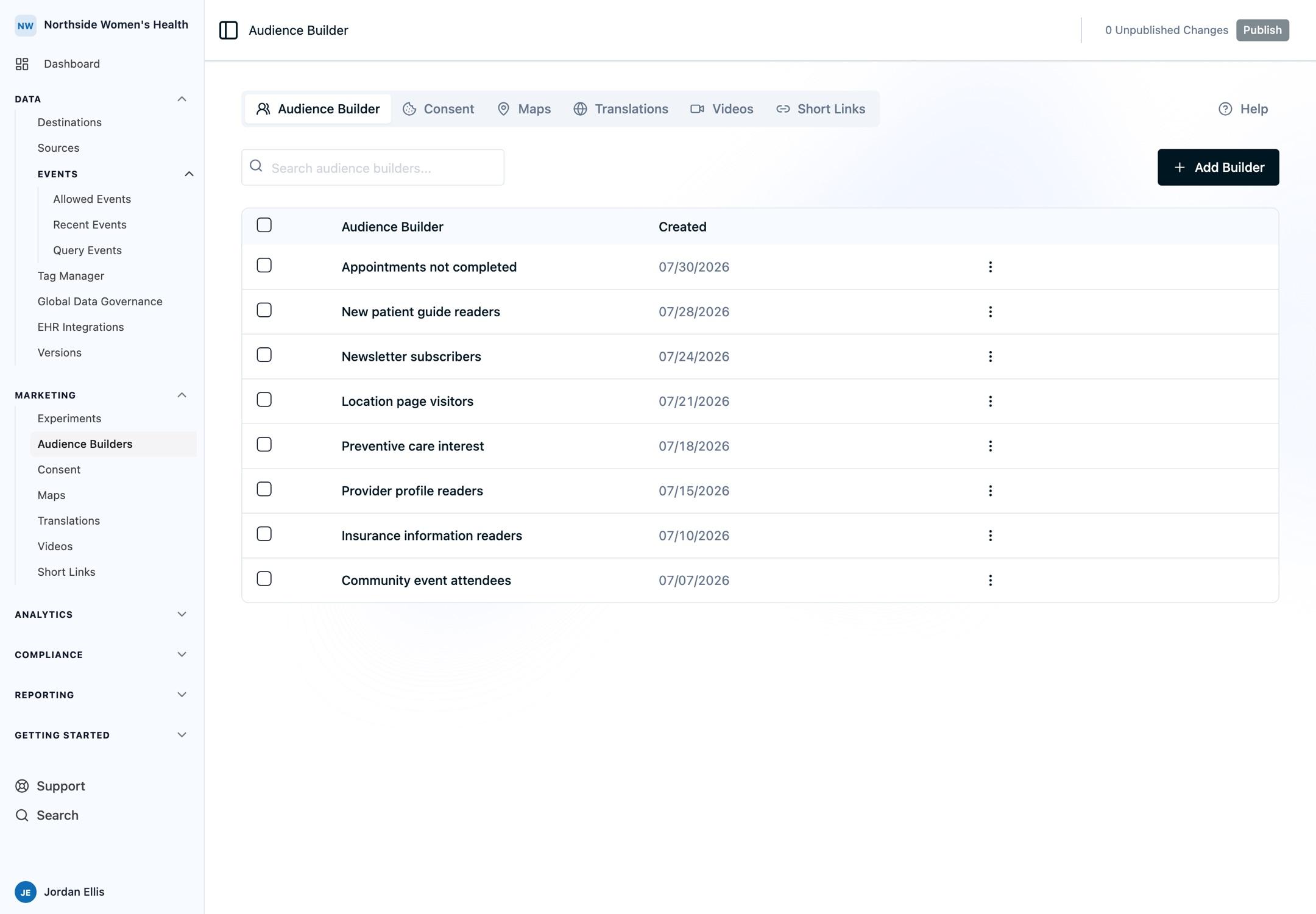
Important: Advertising platforms are not HIPAA business associates, and their terms prohibit uploading protected health information. Read Compliance for audiences before you sync an audience anywhere.
Why use Ours Privacy Audiences
- Your targeting stays private. A platform sees a neutral Export Name and hashed identifiers, nothing else. See Export names.
- Behavior, not just attributes. "Viewed the appointment page twice in 30 days and never reached the confirmation page" is one audience. See Event conditions.
- Check before you send. Preview shows an estimated size and a sample of who matches. See Previewing an audience.
- One definition, two ways out. Download a CSV formatted for Google Ads or Meta, or sync to an Audience Destination every day.
- Stays current. A synced audience is re-evaluated daily, so yesterday's converters leave today's targeting.
How it fits together
- Create an audience and give it a name and an Export Name.
- Add conditions on visitor properties, event behavior, or both.
- Preview, then adjust until the group looks right.
- Download a CSV, or select the destinations to sync to.
Key pages
- Audience concepts: what an audience is and how exporting differs from syncing.
- Building an audience: the walkthrough.
- Visitor conditions and Event conditions: what you can filter on.
- Previewing an audience: how to read the estimate and the sample.
- Export names: the name a platform sees.
- Compliance for audiences: what to settle before you share an audience.
- Exporting a CSV and Syncing to destinations: the two ways to activate one.
- Audience Destinations: the platforms that can receive an audience.
- Targeting strategies and Recipes: what to build, and worked configurations to copy.
- Audience FAQs.
Works with the rest of the platform
- Cookie Consent: consent categories are available as conditions.
- Web Analytics: every event you already collect is available as an event condition.
- Experimentation: build an audience of the visitors who saw a variant.
- Audience Performance: measure how an audience converts.
- Destinations: event destinations receive events; Audience Destinations receive membership.
Availability
Each account has an audience limit. Contact your account representative to raise it. Creating, editing, previewing, exporting, and publishing are each governed by their own permission, so ask your account administrator if an action is disabled for you.
Audiences are built in the dashboard from the data you already collect. There is nothing to install. Audience membership is not available through the Platform API today.
Need help?
Reach out to support@oursprivacy.com with any questions about audiences.
How is this guide?