

Automating Short Links
Create, update, list, and report on Ours Privacy short links programmatically through the Platform API or the MCP tools, including bulk creation and publishing.
Use this page when you need more links than the dashboard is comfortable for: a per-store QR code, a per-provider link, a per-recipient campaign link, or a migration from another link tool.
Full request and response reference lives on the Short Links API page.
What you can automate
| Task | How |
|---|---|
| Create a link with its destination, campaign tags, and QR styling in one call | POST /rest/v1/short-links |
| List links, filtered by status or name | GET /rest/v1/short-links |
| Read or update one link | GET and PATCH /rest/v1/short-links/{id} |
| Delete a link | DELETE /rest/v1/short-links/{id} |
| Pull click analytics for a link | GET /rest/v1/short-links/{id}/results |
| Make links live | POST /rest/v1/versions |
Authentication and key management are covered in Platform API authentication.
Create a link
Every field is optional, so an empty body creates a placeholder link you can fill in later. In practice you will send the destination and the campaign tags together:
curl -X POST https://app.oursprivacy.com/rest/v1/short-links \
  -H "Authorization: Bearer $OURS_API_KEY" \
  -H "Content-Type: application/json" \
  -d '{
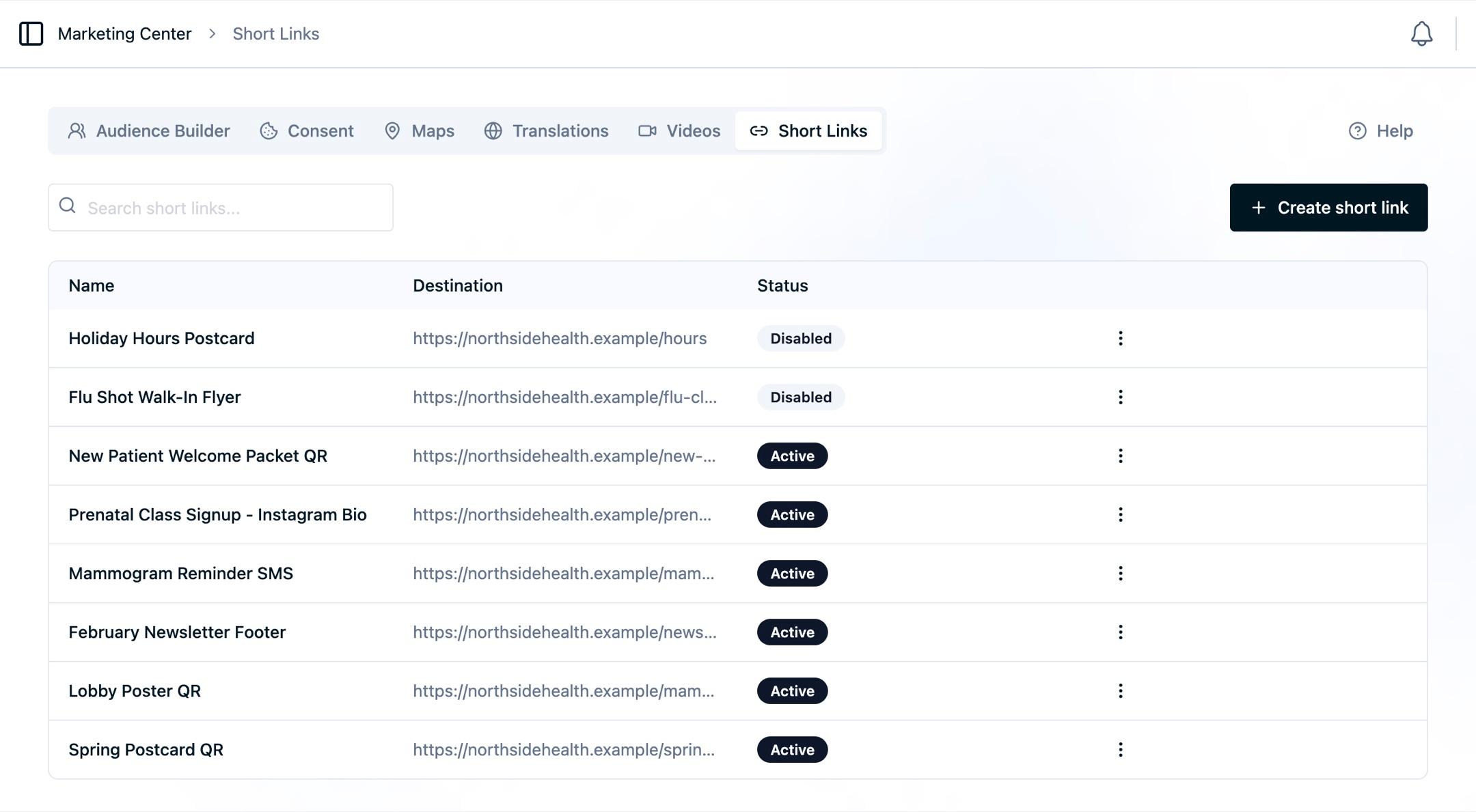
    "name": "Spring Postcard QR",
    "redirectUrl": "https://ourshealth.example/appointments/spring",
    "utm": { "campaign": "spring_2026", "source": "postcard", "medium": "direct_mail" },
    "qr": { "theme": "midnight", "frameShape": "rounded" }
  }'
The response includes the composed public URL, so you can render a QR code or hand the link off without a second request.
Remember that the name you send becomes the event name on every click. Generate names you will be able to read in Analytics later.
Publish
A short link created through the API is a draft, exactly like one created in the dashboard. It does not resolve until a version is published.
curl -X POST https://app.oursprivacy.com/rest/v1/versions \
  -H "Authorization: Bearer $OURS_API_KEY"
When creating many links, create them all first and publish once at the end rather than publishing per link.
Bulk creation
Loop the create call, then publish a single version:
#!/usr/bin/env bash
# One QR code per clinic location, from a CSV of name,url
while IFS=, read -r name url; do
  curl -sS -X POST https://app.oursprivacy.com/rest/v1/short-links \
    -H "Authorization: Bearer $OURS_API_KEY" \
    -H "Content-Type: application/json" \
    -d "$(jq -n --arg n "$name" --arg u "$url" \
      '{name: $n, redirectUrl: $u, utm: {campaign: "clinic_signage_2026", medium: "signage"}}')" \
    | jq -r '.shortUrl'
done < locations.csv

curl -sS -X POST https://app.oursprivacy.com/rest/v1/versions \
  -H "Authorization: Bearer $OURS_API_KEY"
Two practical notes for a bulk run:
- Keep the returned public URL. You will need it to generate artwork, and pairing it back to your source rows afterwards is more work than capturing it as you go.
- Give every link the same campaign value so the set can be read together.
Migrating from another link tool
You can supply a custom code on create to keep an existing back-half, as long as the code is available. Codes that are already in use, or were used before, cannot be claimed, so plan for some links to get new codes. Step 4 below handles that.
A workable sequence:
- Export your existing links, with their destinations and campaign tags.
- Create an Ours Privacy short link per row, preserving the destination and tags.
- Publish.
- Repoint the old tool's links at the new Ours Privacy URLs, so existing printed and distributed material keeps working and starts flowing through your own reporting.
- Use the new URLs for everything created from that point on.
Step 4 keeps existing material working. Old links take one extra redirect on the way; new links go straight to the destination.
Pull reporting
The results endpoint returns the same numbers as the Analytics tab: totals, a time series, and country, city, and device breakdowns.
curl -sS "https://app.oursprivacy.com/rest/v1/short-links/$LINK_ID/results?from=2026-03-01&to=2026-03-31" \
  -H "Authorization: Bearer $OURS_API_KEY"
Bots are excluded unless you ask for them.
MCP tools
The same operations are available as MCP tools for agent-driven workflows: creating, reading, listing, updating, and deleting short links, plus pulling results. They take the same fields as the REST API. See SDKs and MCP.
Next Steps
- Short Links API reference: every endpoint, field, and response.
- Platform API authentication: creating and scoping a key.
- Recipes: worked configurations, including per-location codes.
How is this guide?