

Goals & Conversion Tracking
How Ours Privacy experiments measure results. Pick any event you already send your CDP as your goal, set a primary metric, and send new events with the Web SDK, Tag Manager, or server-side.
Every experiment is measured against a goal event: the conversion you're trying to move. This page explains where that event comes from, how to pick it, and what to do when the event you want to optimize for isn't being tracked yet.
Already sending events to your CDP? Then you already have goal events, so skip to Set your goal event.
How Experiments Measure Results
Experiments do not have their own event tracking. They measure against the same events you already send Ours Privacy for the rest of your CDP: page views, button clicks, form submits, purchases, or any custom event your team fires.
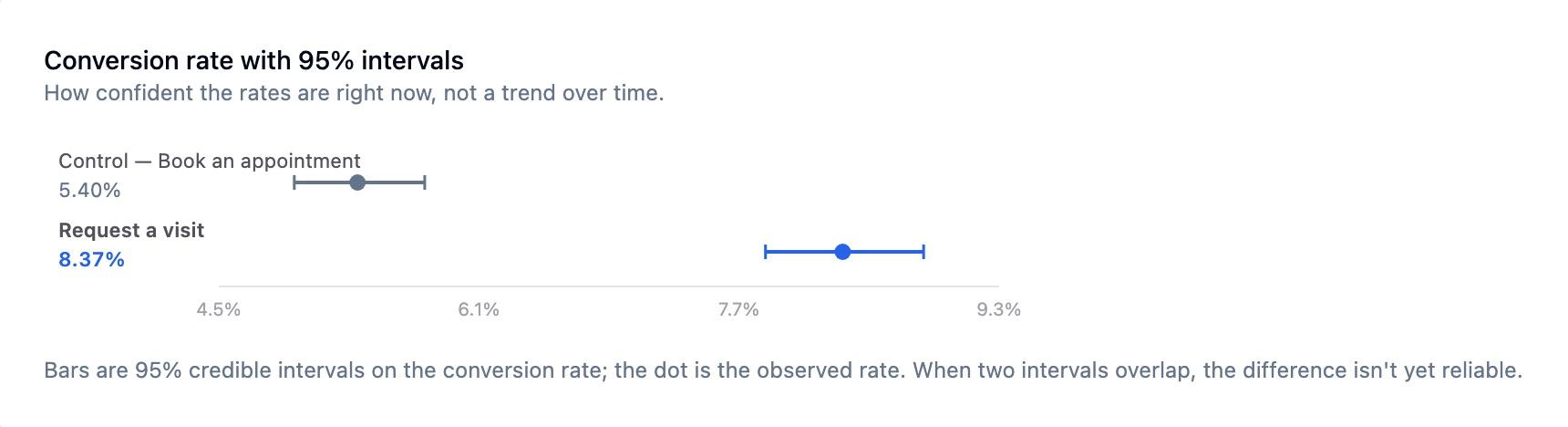
So an experiment only tells you which variant won if a goal event is firing. With no events, there is nothing to compare variants against and no winner to declare.
This is the key mental model: you send events to Ours Privacy, then optimize for any event you've sent. There's no separate experiment-tracking step and no separate reporting silo. Impressions and your existing conversion events flow into the same analytics pipeline you already use.
If you're coming from a tool that lets you highlight an element on the page to auto-create a click event, the equivalent in Ours Privacy is to send that event into the CDP (the Web SDK can capture clicks for you), then pick it as your goal. You define the event once and reuse it everywhere: analytics, audiences, destinations, and experiments.
Set Your Goal Event
Pick a primary metric when you create the experiment: any event already flowing through your CDP. A page view, a button click, a form submit, a purchase. If you're tracking it, you can measure against it.
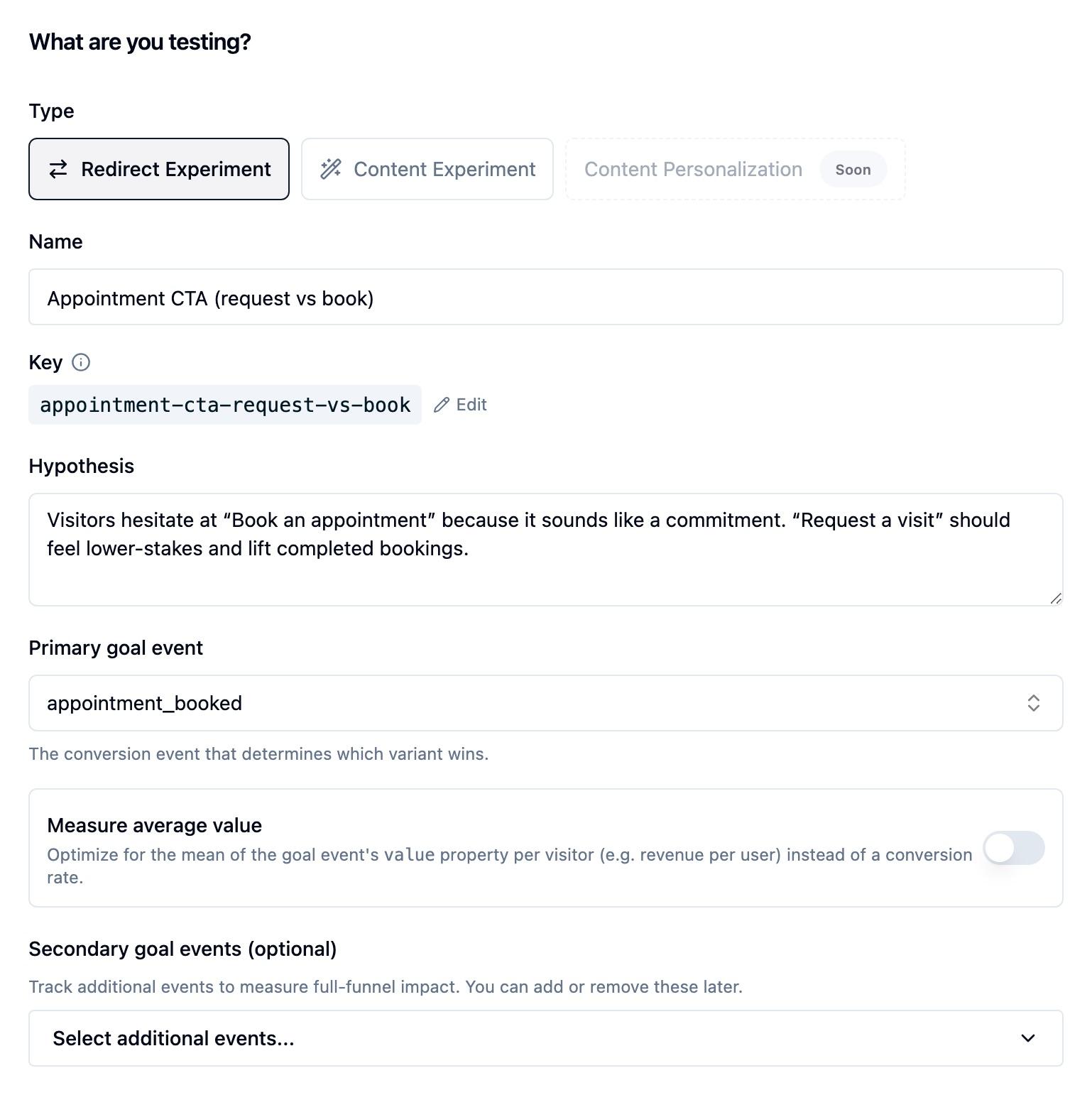
- Set the primary metric in the creation wizard. It remains editable while the experiment is a draft and becomes part of the locked analysis plan when a Frequentist experiment starts.
- A primary metric and at least two variants are required before an experiment can start. If you manage experiments with AI, include the goal event in your prompt, for example, "...with primary metric
signup_completed." - Add secondary metrics to watch other events alongside the primary one without changing what the experiment optimizes for.
A conversion counts when the goal event happens after a visitor sees a version of your experiment. By default, Bayesian results include that visitor right away. If people usually need a few days to convert, turn on Wait 7 days for outcomes before starting the experiment. Results will show Finalizing outcomes while recent visitors finish that seven-day window. Learn more in experiment methodology.
Want to optimize for revenue per visitor instead of a conversion rate? Turn on a value metric, which averages your goal event's value property and can cap outliers with winsorization.
Don't See Your Event? Send It First
If the event you want to optimize for isn't in your CDP yet, send it, and then it becomes available as a goal. These are the same events your team already sends for the CDP part of the product, so there's nothing experiment-specific to wire up.
- From the browser: fire the event with the Web SDK:
ours('track', 'signup_completed'). See the Web SDK reference. - Through a tag manager: send events from Ours Tag Manager (or Google Tag Manager) without code changes. See Tag Manager tags.
- From your backend: track conversions server-side with an Ingest SDK, useful for purchases or events that complete after the visitor leaves the page.
// Browser: fire the goal event when the visitor converts
document.querySelector('#signup-form').addEventListener('submit', () => {
  ours('track', 'signup_completed');
});
Once the event is flowing, it shows up as a selectable metric when you create or edit an experiment. For reading and forwarding assignments in your own code, see the JavaScript SDK conversion events.
Next Steps
- Content Experiments: Set up a DOM-modification A/B test and pick its goal
- Value Metrics & Winsorization: Optimize for revenue per visitor and cap outliers
- Experiment Methodology: Bayesian, Frequentist, and Sequential analysis
- Experiment Settings: Targeting, traffic allocation, visitor status, and consent
- JavaScript SDK: Track conversions and forward assignments from your own code
- Manage Experiments with AI: Create experiments and set the primary metric through Claude or ChatGPT
How is this guide?