

Data and Retention
Session Replay retention periods, data lifecycle, secure storage, and how to access captured replays from your dashboard.
Retention periods
Session replays are automatically removed based on your account's retention period:
- 90 days by default
- Contact your account representative for a longer or shorter retention period
Retention is applied to the stored replay data at the storage layer. Once the retention period elapses, replays are no longer recoverable.
If you need a longer or shorter retention period, contact your account representative.
Storage and security
- Replay data is stored on first-party infrastructure managed by Ours Privacy
- Customers using a custom domain load and upload replay data through their own first-party domain
- All replay traffic uses TLS in transit
- Ours Privacy offers a Business Associate Agreement (BAA) for healthcare organizations
Accessing replays
Once Session Replay is configured and capturing:
- Open your Ours Privacy dashboard
- Navigate to Recent Events or any event analytics view
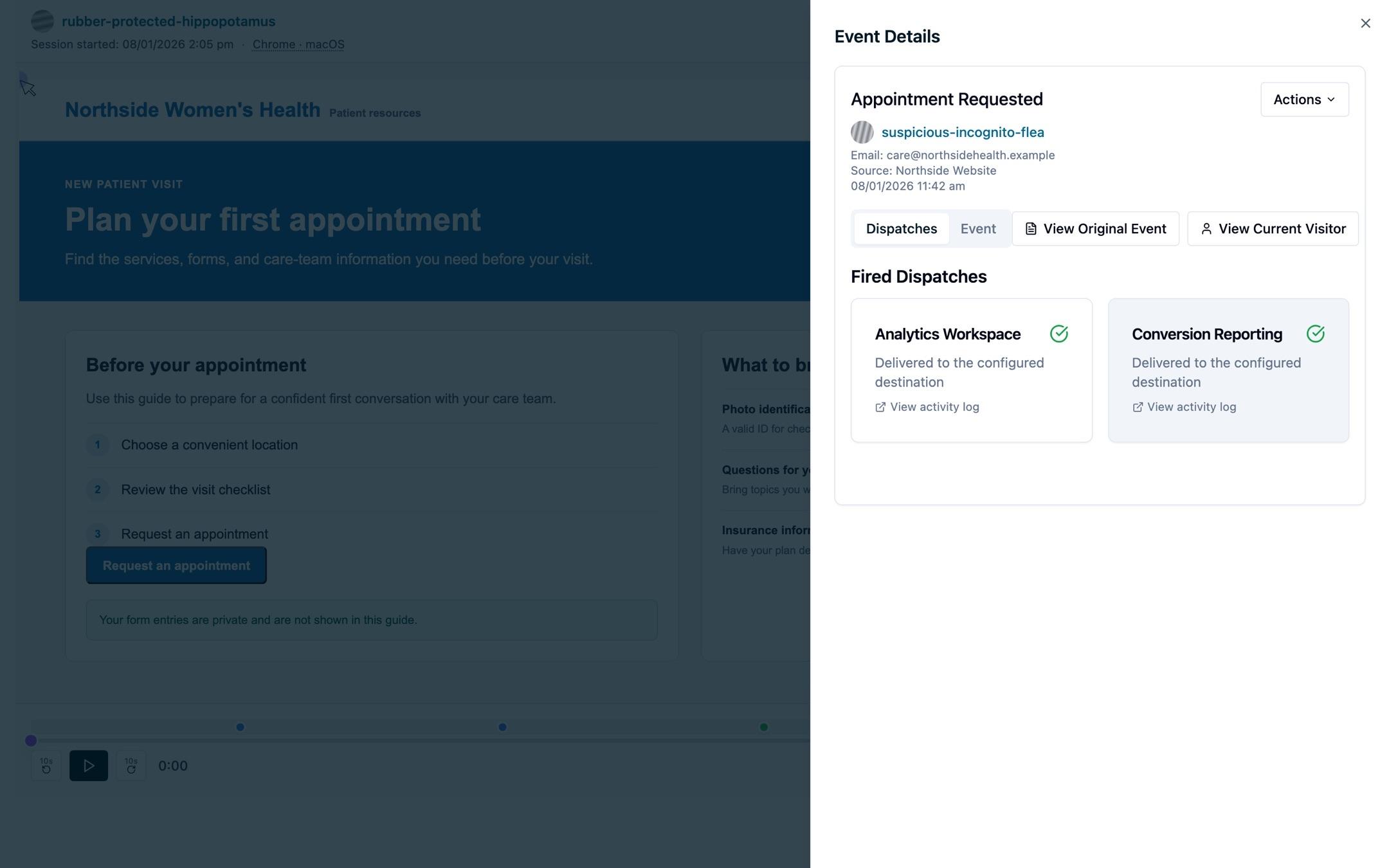
- Click any event to see the session it came from
- Open the session replay to view the full visitor session alongside its event timeline
Every captured event is linked back to the replay it occurred in, so you can jump from a funnel drop-off, error event, or rage click directly into the recording.
SLA
Session Replay is not included in the CDP SLA and is provided as a separate service. See your contract or contact your account representative for the Session Replay-specific availability commitments.
Next steps
- FAQs
- Privacy and masking: control what gets stored before retention applies
How is this guide?