

Embeddable Maps
Create and embed interactive maps for HIPAA-regulated sites with no code. Customize themes and branding, show multiple locations, import addresses by CSV, and paste a copy-paste embed snippet into any site.
Use this page to create an interactive map in the Ours Privacy dashboard and embed it on your site with no code. Build a map, customize its appearance, and paste a self-contained snippet into any page or CMS. Every embed includes schema.org JSON-LD structured data automatically, so you get SEO benefits without extra configuration.
What you get
- Built for HIPAA-regulated sites. Map tiles flow through Ours Privacy infrastructure rather than a public mapping provider.
- No-code creation. Build and customize a map in the dashboard, then copy a paste-ready embed snippet.
- Multiple locations. Show one address or many on a single map, including bulk import by CSV.
- Custom branding. Apply your brand color, theme, color scheme, and map style.
- Directions link-out. Visitors can open directions to a location from their current position.
- Automatic SEO. Embeds emit JSON-LD structured data for stronger local search visibility.
How it works
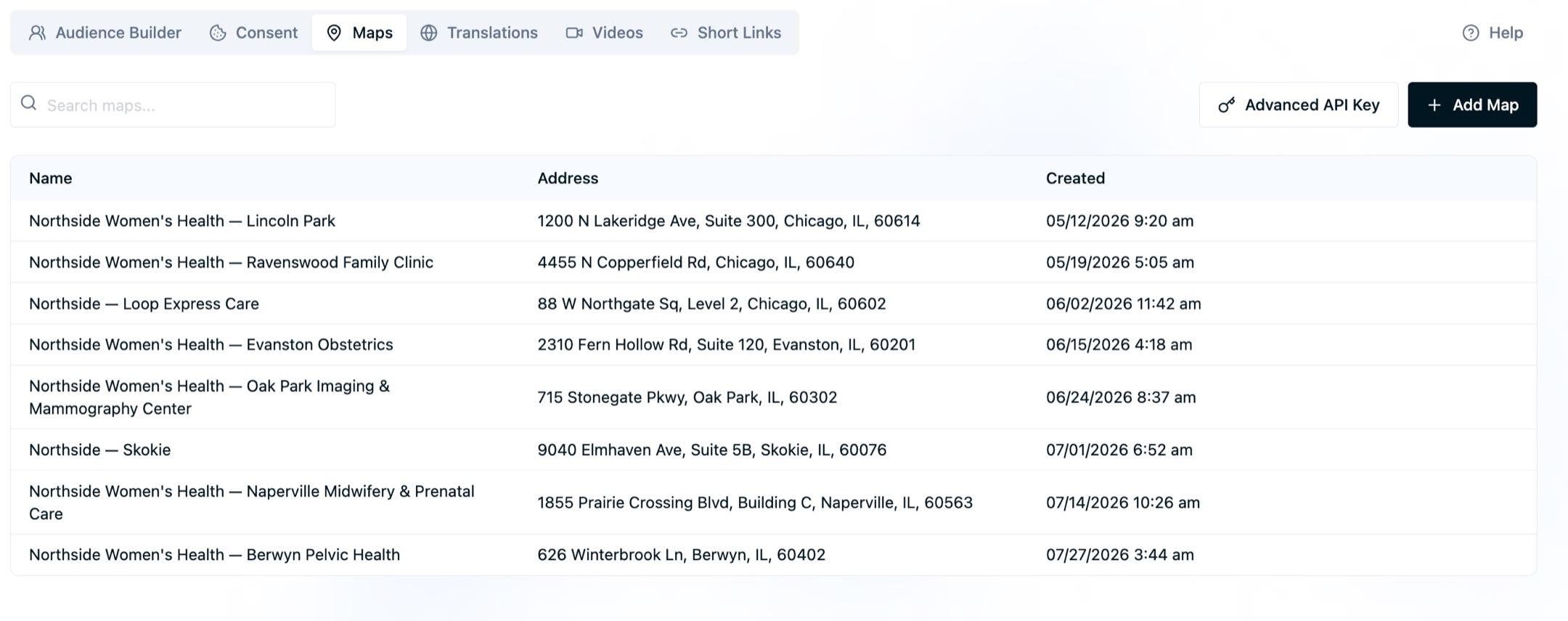
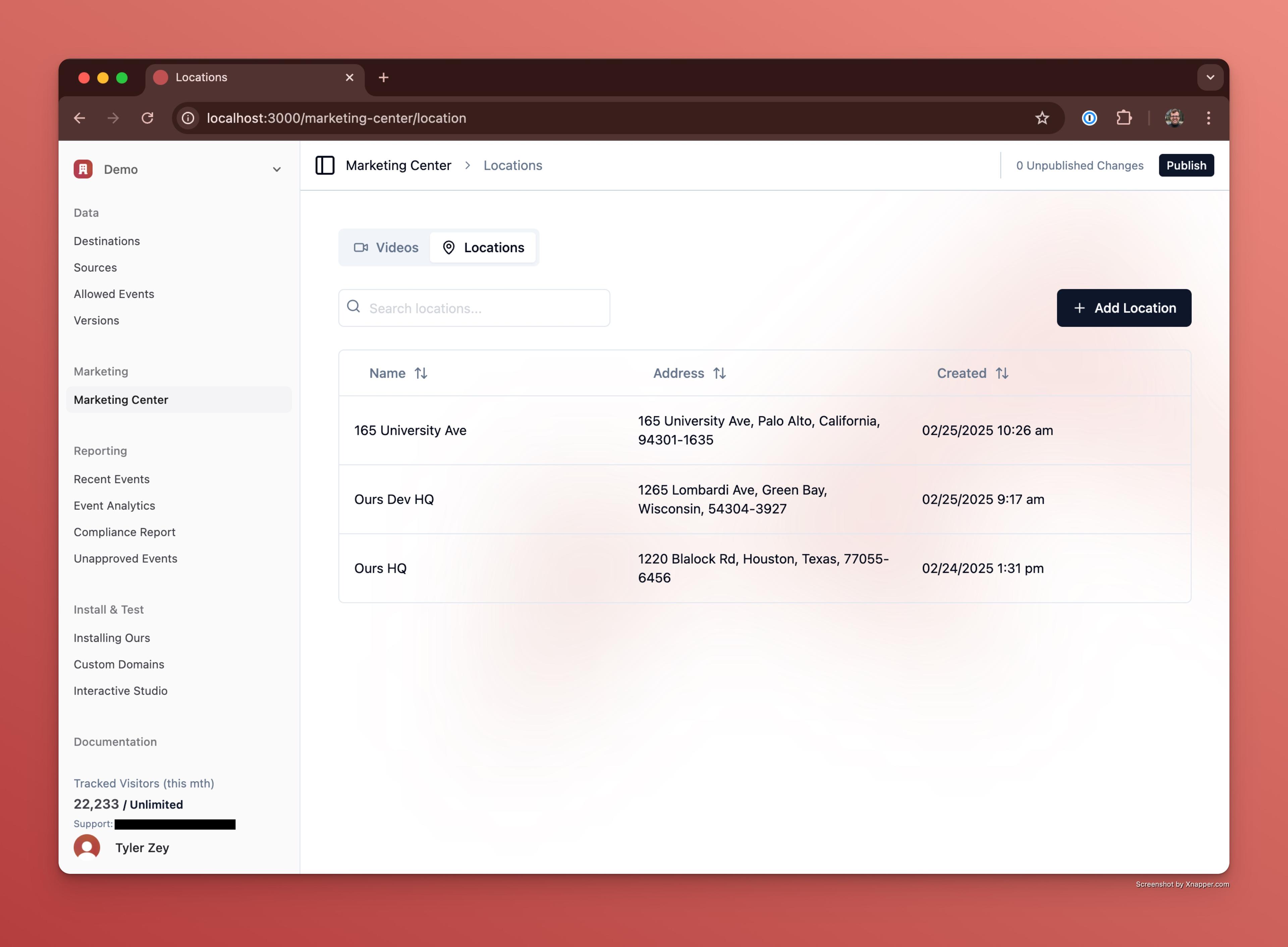
- Log in to the Ours Privacy dashboard and open Maps.
- Create a map and add a location: name, address, and (optionally) phone number and website link.
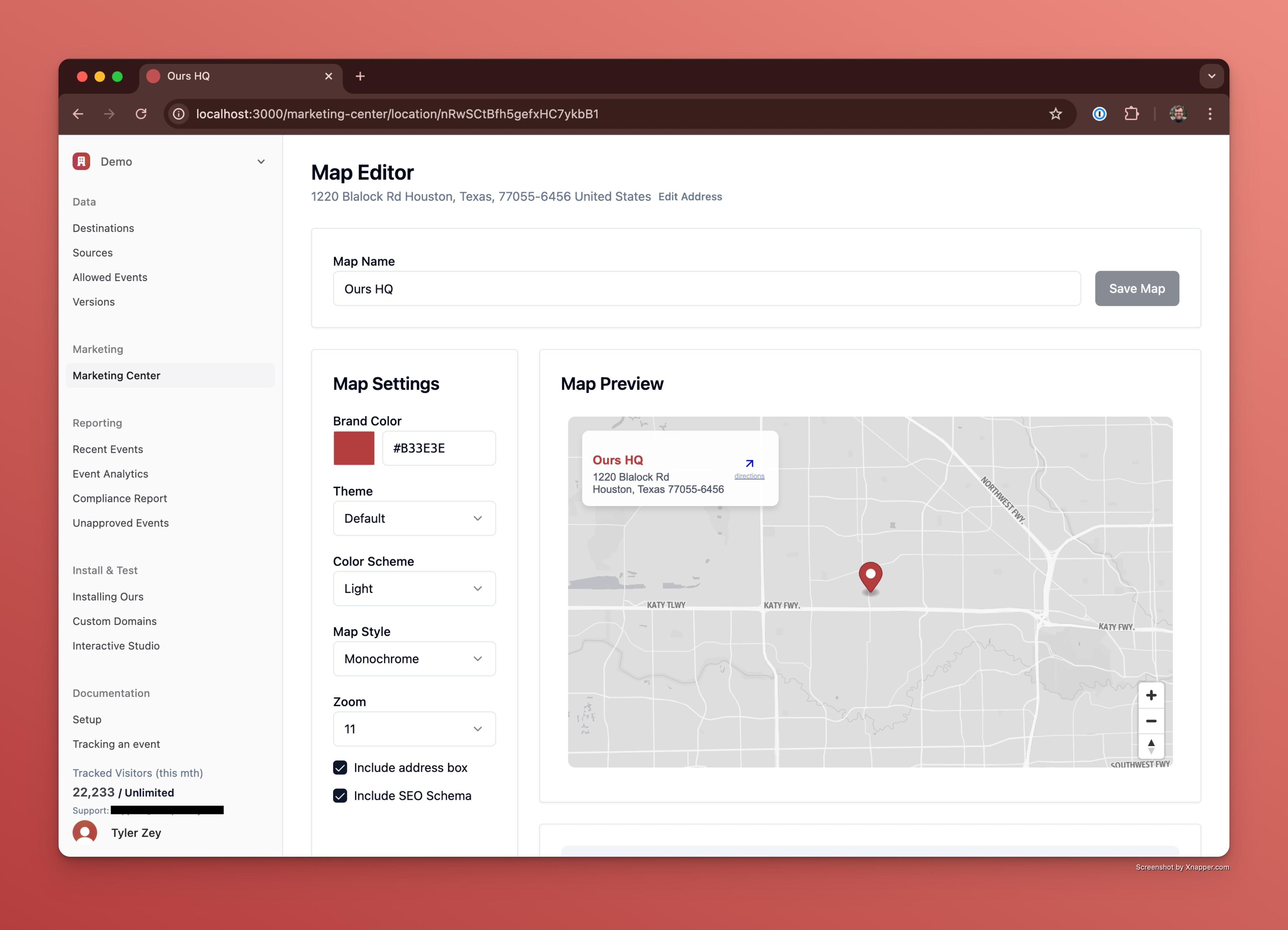
- Customize the appearance: brand color, theme, color scheme, map style, zoom, controls, and address box.
- Copy the generated embed snippet.
- Paste it into your website's HTML. The map is live and interactive immediately.
Note: Embed appearance settings are captured in the snippet at the time you copy it. If you change your settings later, copy the embed code again to pick up the new values.
Multiple locations
A single map can show a primary address plus any number of additional addresses. When you add more than one location, the map viewport is automatically centered and zoomed to fit them all.
You can add locations one at a time in the editor, or import many at once:
- Bulk CSV import. Upload a CSV with
Location Name,Address Line 1,City,State, andZIP Coderequired, plus optionalAddress Line 2,Country,Phone Number,Website URL, andLink Textcolumns. This is the fastest way to stand up a store locator or office directory with many sites. - Per-location detail. Each address can carry its own phone number and website link, which appear in the map's address box and in the JSON-LD structured data.
Customization options
Tailor each embed to match your brand:
- Brand color. Applied across the map interface (default
#007EA8). The editor checks your color against the background for WCAG AA 4.5:1 contrast and flags combinations that fall short. - Theme.
DefaultorModern. - Color scheme.
Light(default) orDark. - Map style.
Standard(full color) orMonochrome(default). - Address box. Show a readable address overlay next to the map (enabled by default).
- Zoom level. Set the initial zoom (default
11). - Controls. Choose
Default Controls,Accessible Controls(keyboard navigable), or no controls. - SEO schema. Include the JSON-LD structured data block (enabled by default).
What those settings look like
The same six-clinic map, published four times with different settings, each on a host page styled to match. Every difference below comes from the embed settings above plus the CSS on the page around the embed. Nothing here required editing the map itself.
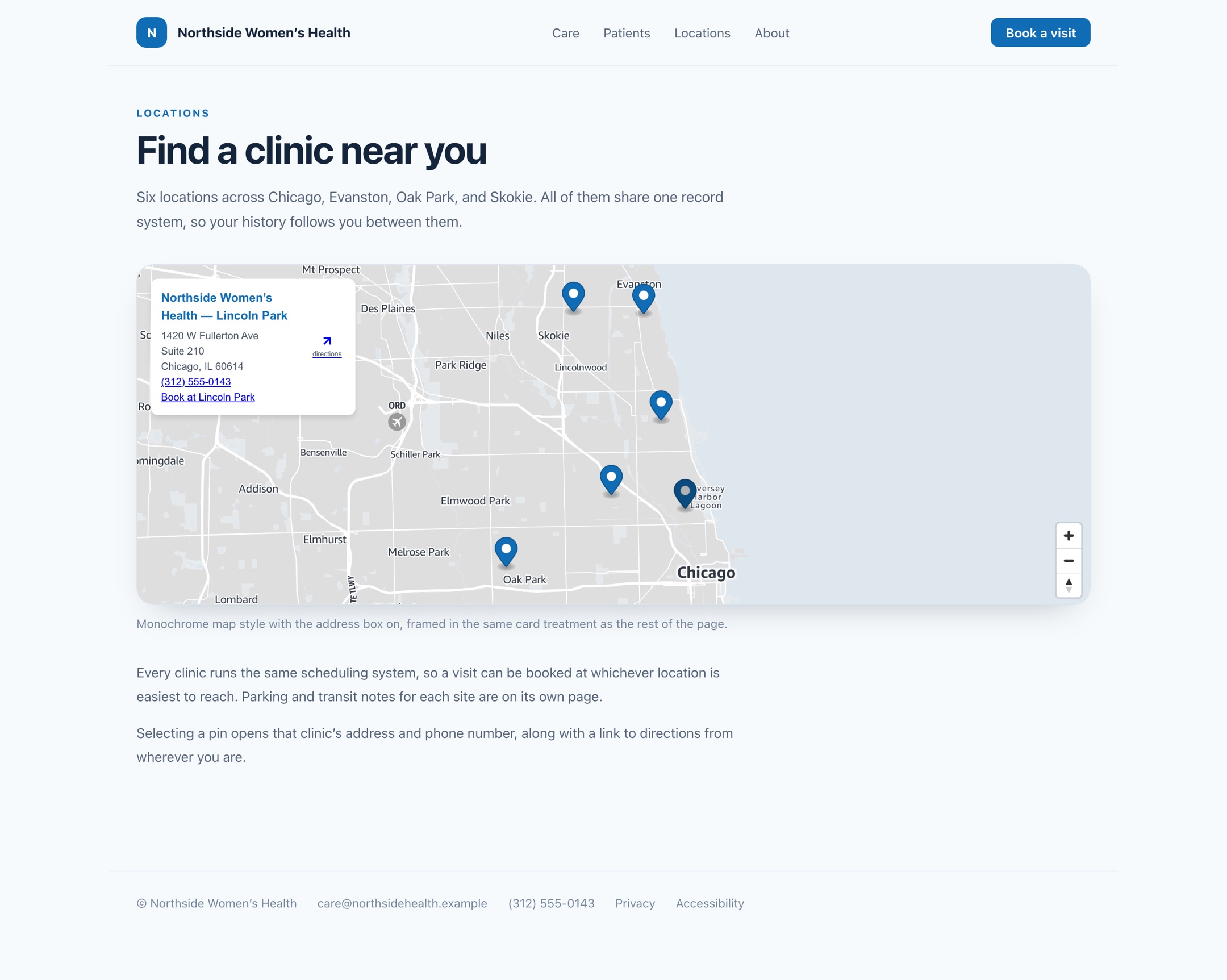
Monochrome in a card. Monochrome with the address box on, framed in the same rounded card treatment as the rest of the page. The muted basemap keeps the pins the brightest thing in the frame.
Directions integration
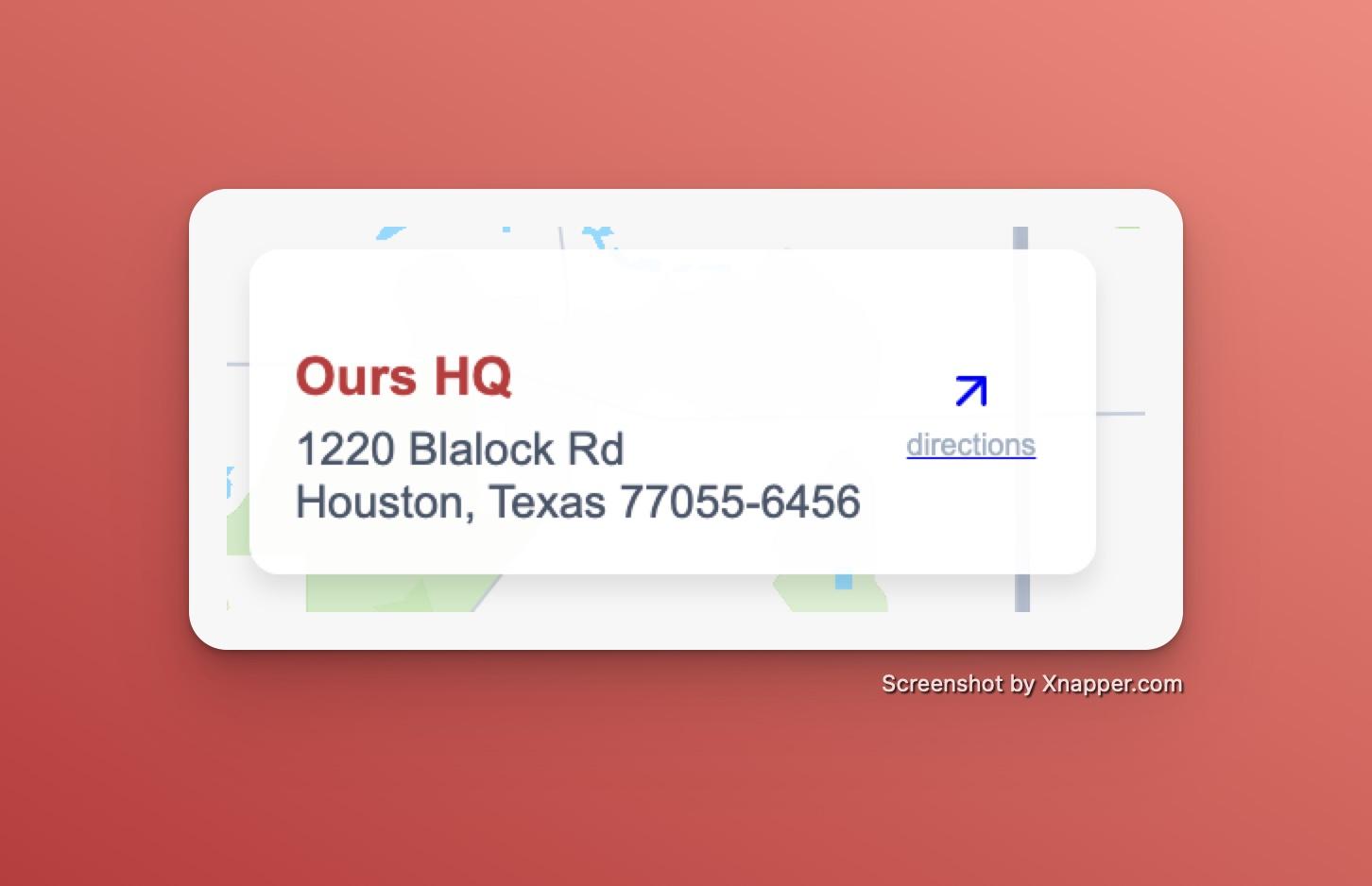
The embed includes a directions link-out. When a visitor interacts with a location, they can open directions from their current position in their preferred maps app.
Embed anywhere
The embed snippet is a self-contained block of HTML that works with any stack. It needs no JavaScript and no build step, so it goes anywhere you can add an HTML block:
- Website builders. Webflow (Embed element), Wix (Embed HTML), Squarespace (Code Block), Framer (Embed component), Duda (HTML widget), and Weebly (Embed Code element).
- CMS platforms. WordPress (Custom HTML block), Ghost (HTML card), Drupal, HubSpot CMS, Adobe Experience Manager, and Sitecore.
- Ecommerce. Shopify, BigCommerce, and Adobe Commerce, on any page or product template.
- React, Vue, Angular, and Svelte. Drop the snippet into a component or template.
- Headless setups. Render the block in whatever front end serves your content.
For the exact location on each platform, see the website platform directory.
Note: A map embed and the Ours Privacy tracking snippet are separate. The embed goes in page content, so a map can work on a platform that will not accept a site-wide head script.
First-party loading with a custom domain
With a custom domain configured, map tiles and assets are served from your own domain (for example maps.yourcompany.com). This makes the embed appear as first-party content to search engines and avoids third-party script penalties. See Maps SEO Benefits for the full breakdown.
Updating a published map
When you edit a map, save it to republish. If a change does not appear right away on your site, use the cache-clear action in the editor to force the latest version to be served.
Next steps
- Maps SEO Benefits: how embeds improve your local search rankings.
- Advanced Location Services: custom map rendering, geocoding, search, and routing.
- FAQs: common questions about embeds, locations, and compliance.
How is this guide?