# Installing the Cookie Consent Management Platform
> Learn how to install the Ours Privacy Cookie Consent Management Platform with a simple script tag, verify it's working, and start managing consent on your website.
Source: https://docs.oursprivacy.com/docs/cookie-consent/installation
Setting up your CMP is fast and easy. Just follow these steps:
## Step 1: Copy Your Install Script
In your configuration under **Install & Setup**, you'll see an installation script tag like:
```html
```

The panel also offers an optional pre-styled stylesheet `` you can include if you want the default banner styling.
## Step 2: Paste It Into Your Website's ``
Add the script tag as high as possible in your site's ``. This ensures it runs before other tracking scripts and can manage consent blocking correctly.
## Step 3: Publish Your Configuration
Make sure you've saved and published your CMP configuration in the dashboard.
## Step 4: Verify the Banner
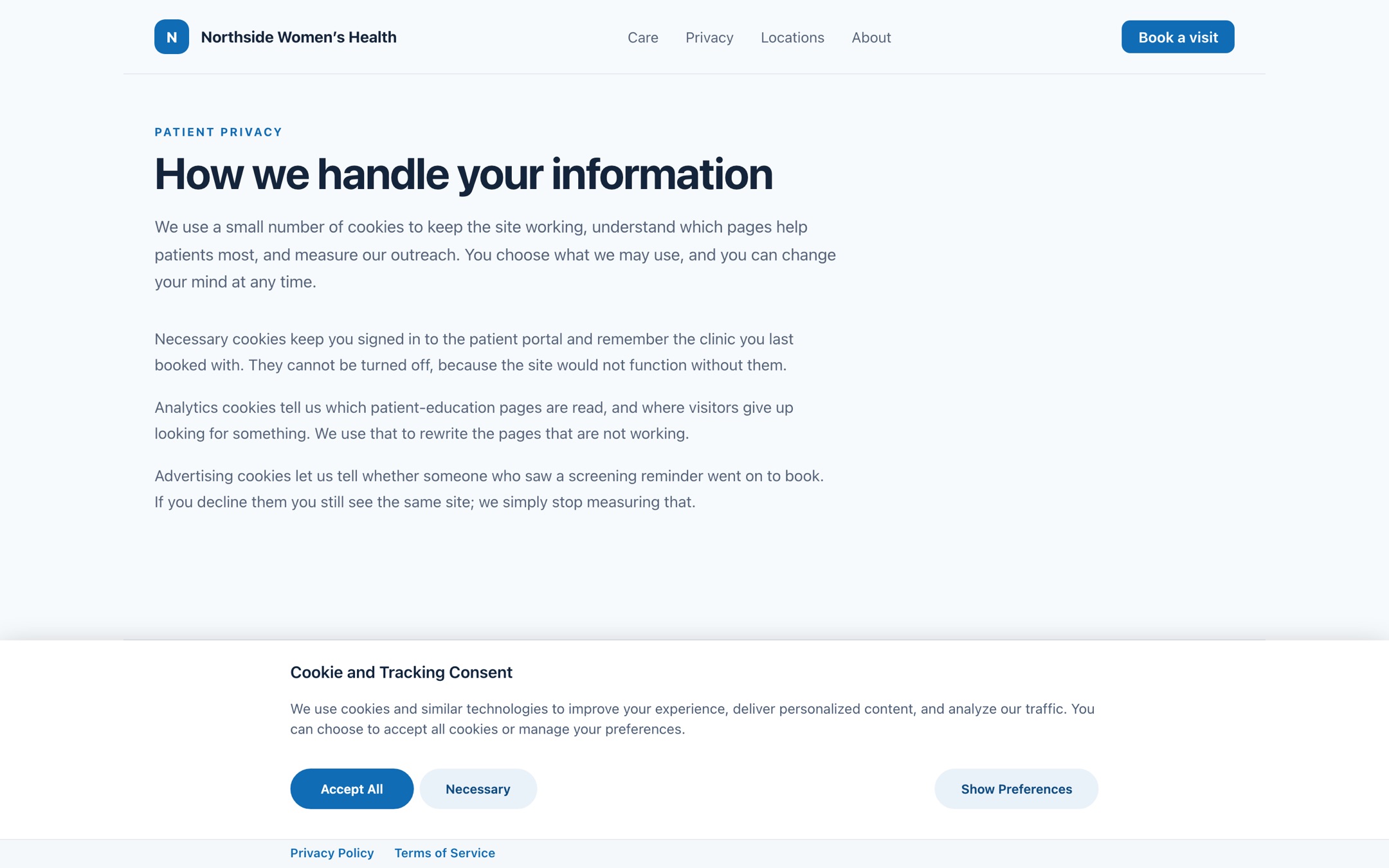
Load your site and confirm that the consent banner/modal displays correctly. Test acceptance, rejection, and preference management to ensure it meets your requirements.
> **Important:** Place the script before any other analytics or advertising tags so it can block them if the user hasn't consented.
> **Note:** If you have a [custom domain](https://docs.oursprivacy.com/docs/custom-domains) configured for your Ours Privacy account, you can load the Ours Privacy consent management platform from your own first-party custom domain as well.
***
## Next Steps
* **[Styling & Customization](https://docs.oursprivacy.com/docs/cookie-consent/styling-and-customization)**: Customize the look and feel of your consent banner
* **[General Settings](https://docs.oursprivacy.com/docs/cookie-consent/general-settings)**: Configure categories, vendors, and consent modes
* **[Script Blocking](https://docs.oursprivacy.com/docs/cookie-consent/script-blocking)**: Set up automatic and manual script blocking